I’ll start with something we’ve all experienced but rarely talk about. Suppose you get an idea, maybe it’s a phone number, a quick task, or even a line of code and you immediately open your usual tool like Notion. But instead of writing, you’re waiting. The app loads, asks you where to save the note, and before you even start typing, that sharp clarity in your mind begins to fade. It sounds like a small delay, but when this happens multiple times a day, it becomes a real productivity leak. I’ve personally lost countless ideas not because they weren’t important, but because my tool wasn’t fast enough to capture them.
Over time, I realized something simple but powerful: the problem isn’t the tool itself, it’s the timing. Tools like Evernote and Notion are excellent for organizing information, but they are not built for instant capture. And that’s where most people struggle without even realizing it.
The Psychology of Quick Jotting: Why Speed Beats Features
In my experience working with students, developers, and even startup teams, one pattern shows up again and again, ideas don’t wait. Your brain doesn’t think in folders, tags, or dashboards. It works in bursts. A thought appears, and it expects immediate action. If there’s even a small delay, two or three seconds, that thought starts to weaken.
This is what I call capture mode. In this state, your brain wants one thing, a blank space to dump the idea. It doesn’t want structure, it doesn’t want formatting, and it definitely doesn’t want decisions. The moment you introduce friction, choosing a folder, naming a note, deciding where it belongs, you break the flow. That’s why even powerful tools fail at the most critical stage, capturing the idea itself.
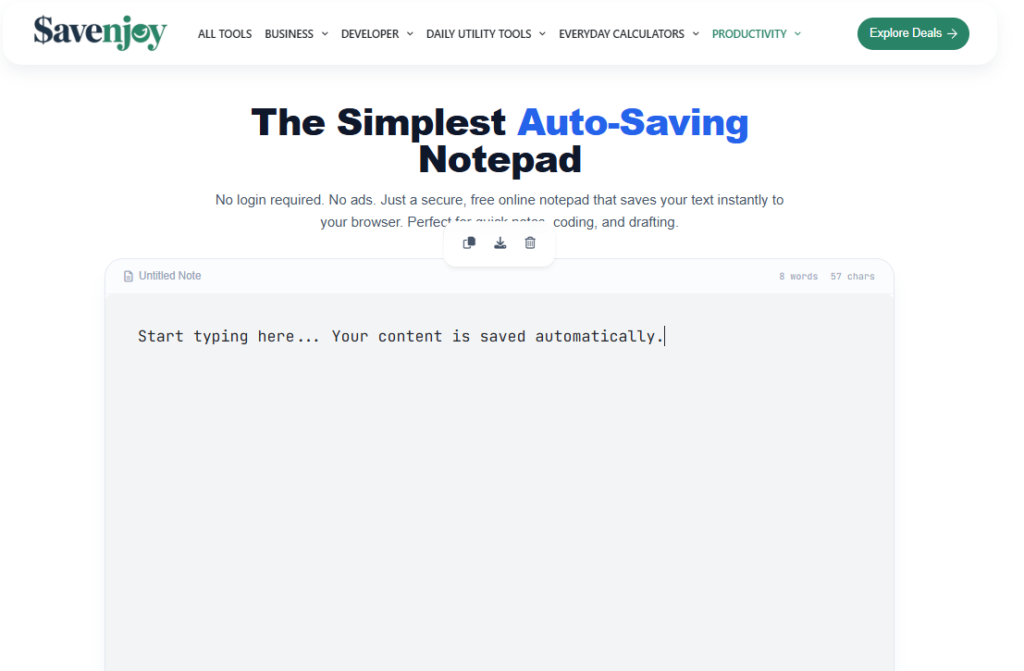
An online notepad works because it removes that gap completely. You open it, and you’re already writing. There’s no transition between thinking and doing. And that’s exactly what makes it so effective.
The Bigger Shift is From Manual Work to Smart Systems
If you look beyond personal productivity, this shift toward simplicity and automation is happening everywhere. In India, for example, businesses are rapidly moving away from manual processes like spreadsheets and switching to automated systems. The HR and payroll software market is expected to grow from around 8.1 billion dollars to over 26 billion in the coming years.
That growth isn’t accidental. It’s driven by a need to save time, reduce errors, and eliminate repetitive work. Companies that once handled everything manually are now using tools like greytHR, Zoho Payroll, and Deel to automate their operations.
Now think about your own workflow. You’re still managing ideas through scattered notes, random apps, and sometimes even paper. It’s the same inefficiency, just at a personal level. Just like businesses needed automation, we need a better way to capture and manage our thoughts. And that’s exactly where an online notepad fits in.
What Makes an Online Notepad So Effective
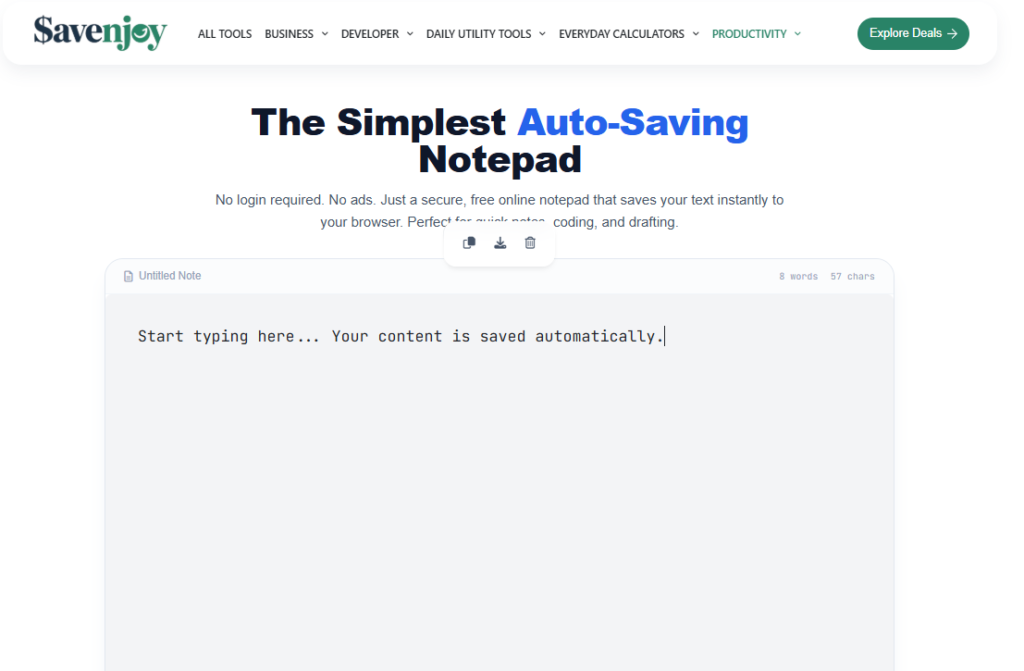
The real strength of an online notepad isn’t in flashy features. It’s in what it removes. A good online notepad eliminates every unnecessary step between you and your thoughts. You don’t need to log in, you don’t need to create a file, and you don’t need to decide anything before writing. It feels almost like thinking directly onto the screen.
One feature that completely changed my experience is auto save. Earlier, I used to lose notes because of crashes or accidental tab closures, and it was incredibly frustrating. Now, with a good online notepad, everything is saved automatically as I type. I don’t even think about saving anymore. It just happens in the background, quietly and reliably.
Another important aspect is how these tools actually work behind the scenes. Most online notepads use browser based storage systems like localStorage or IndexedDB. In simple terms, your notes are saved directly in your browser, not on a remote server. That’s why they load instantly, work offline, and don’t require login. This also explains why they feel so fast compared to traditional apps.
How People Actually Use It
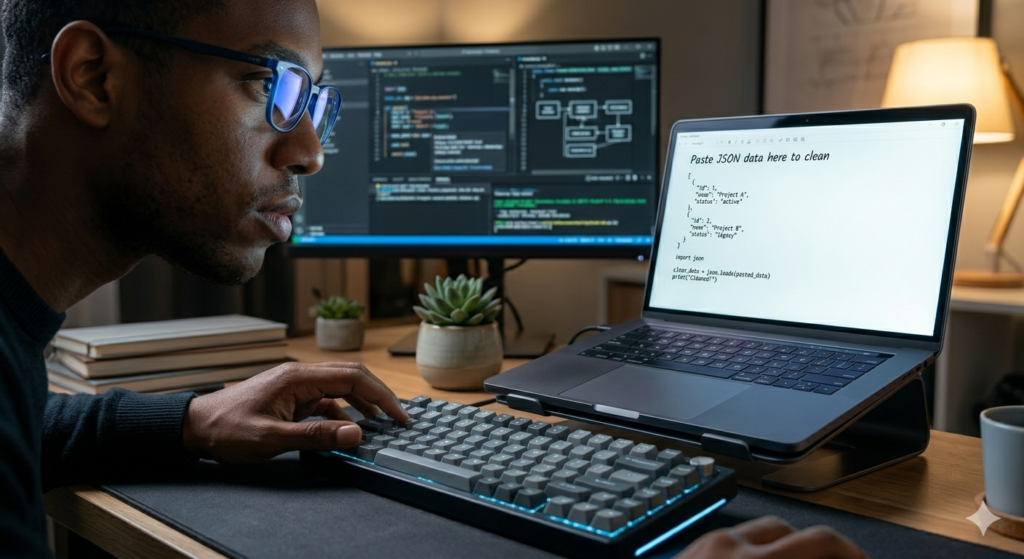
What makes online notepads truly valuable is how naturally they fit into everyday workflows. Developers, for example, often use them as a quick scratchpad. Instead of opening a full development environment, they paste JSON data, clean it, test small snippets, and move on. It saves time and reduces friction.
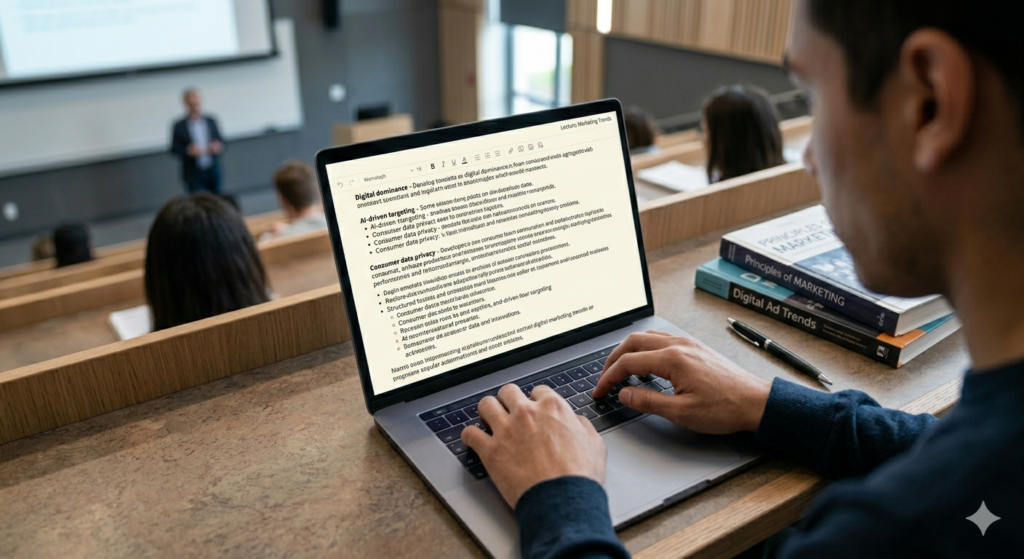
Students use them in a completely different way. During live lectures, there’s no time to organize notes properly. The focus is on capturing information quickly. Online notepads allow them to write continuously without worrying about formatting or structure. Later, they can organize everything, but at that moment, speed is what matters.
For professionals, including myself, it becomes a daily thinking tool. Whether it’s meeting notes, quick ideas, or task lists, I don’t open heavy apps anymore. I just open a tab and start writing. Over time, this becomes a habit, and that habit makes a noticeable difference in productivity.
Understanding the Difference: Online Notepad vs Native Apps
One mistake I see often is people comparing online notepads with tools like Notion or Evernote as if they serve the same purpose. They don’t. An online notepad is a capture tool, while apps like Notion are organization tools. When you try to use one tool for both purposes, you create unnecessary friction.
What works much better is separating these roles. Use an online notepad to capture everything quickly without thinking too much. Then, later, move important information into structured tools where you can organize and store it properly. This simple shift reduces decision fatigue and makes your workflow much smoother.
What You Should Actually Check: Security and Privacy

When it comes to free tools, security is something you can’t ignore. Many people assume that if something is online, their data must be stored somewhere on a server. But that’s not always true. Good online notepads store data locally on your device, which means your notes never leave your browser.
Still, it’s important to verify a few things before using any tool. Check whether it requires login, whether it works offline, and whether it makes unnecessary network requests while you’re typing. If a tool is not transparent about how your data is handled, that’s a red flag.
For more advanced use cases, especially for developers or professionals dealing with sensitive information, encryption becomes important. Standards like AES encryption ensure that even if data is stored, it cannot be easily accessed without proper authorization. From my experience, if a tool doesn’t clearly explain its privacy approach, it’s better to avoid it.
Best Practices to Stay Organized Without Overcomplicating
Even though online notepads are simple, using them effectively still requires a basic system. Over time, I’ve developed a few habits that make a big difference. I always start my notes with a short label, like “Meeting Client A” or “Lecture Marketing.” It takes only a few seconds but makes it much easier to scan later.
I also make it a habit to add dates to my notes. This helps in tracking and finding information when needed. Another simple practice is doing a quick review at the end of the day. I spend five minutes deleting unnecessary notes and moving important ones to permanent storage. This keeps everything clean and manageable.
Choosing the Right Tool

Choosing an online notepad doesn’t need to be complicated. In fact, the simpler you keep it, the better. You don’t need advanced features or complex interfaces. You just need a tool that opens instantly, saves automatically, and respects your privacy.
This is very similar to how businesses choose software. A small startup doesn’t immediately jump to enterprise level tools. It starts with something simple and efficient, like greytHR or Zoho Payroll, and scales later. The same logic applies here. The best tool is the one that fits your current needs without slowing you down.
Why Online Notepads Are Winning in 2026
What we’re seeing now is not just a trend, but a shift in how people approach productivity. There is a growing preference for tools that are faster, simpler, and less distracting. People are realizing that productivity is not about adding more features, but about removing unnecessary steps.
Online notepads fit perfectly into this shift. They don’t try to do everything. They focus on doing one thing extremely well. Capturing ideas instantly. And that’s exactly what makes them powerful.
Final Thought
After years of experimenting with different tools, I’ve come to a simple conclusion. The best tool is not the one with the most features. It’s the one that gets out of your way and lets you think clearly.
An online notepad does exactly that. It doesn’t interrupt you, it doesn’t demand attention, and it doesn’t slow you down. It simply gives you a space to think, write, and move on.
And once you start using it consistently, you’ll notice something important. You stop losing ideas.