Have you ever written something and later realized that the formatting looks completely off? Sometimes the entire paragraph ends up in capital letters, sometimes every word is unnecessarily capitalized, and sometimes the text just looks inconsistent and unprofessional. Now imagine fixing this manually in a long document. It quickly becomes frustrating and time-consuming. If you’ve experienced this even once, you already know that it is not just about inconvenience. It directly affects how people read and trust your content. If you want your writing to look clean, readable, and professional, you need a simple and reliable solution. That solution is a sentence case converter.
As a digital marketing expert, I’ve dealt with countless formatting headaches. My team and I originally developed this case converter tool to streamline our internal workflow. After seeing how much time it saved us, we realized it could be a game-changer for other creators too. That’s why we’ve decided to share it with you.
How a Sentence Case Converter Fixes Text Transformation Issues
Most writing problems are not actually about grammar. They are about formatting. When your content has random capitalization, mixed case styles, or inconsistent structure, it becomes difficult for readers to follow. The important thing to understand is that readers do not consciously analyze formatting errors, but they feel them. They feel confusion, friction, and a lack of clarity, and within seconds they may leave your content. This is especially critical if you write blogs, marketing content, or academic assignments. Even high-quality content can lose its value if it is not presented properly. This is where a case converter online becomes useful because it helps you instantly fix formatting issues and remove that reading friction.
What Is a Sentence Case Converter in Text Transformation
A sentence case converter is a simple text transformation tool that formats your content into a standard and readable structure. It ensures that the first letter of each sentence is capitalized while the rest of the sentence remains in lowercase, except for proper nouns. Instead of editing your text line by line, you can change the case in seconds using a reliable case converter online free tool. More importantly, it helps your writing match the natural way people read and understand language, which makes your content feel more human and easier to process.
Why Readability Improves With Proper Case Formatting
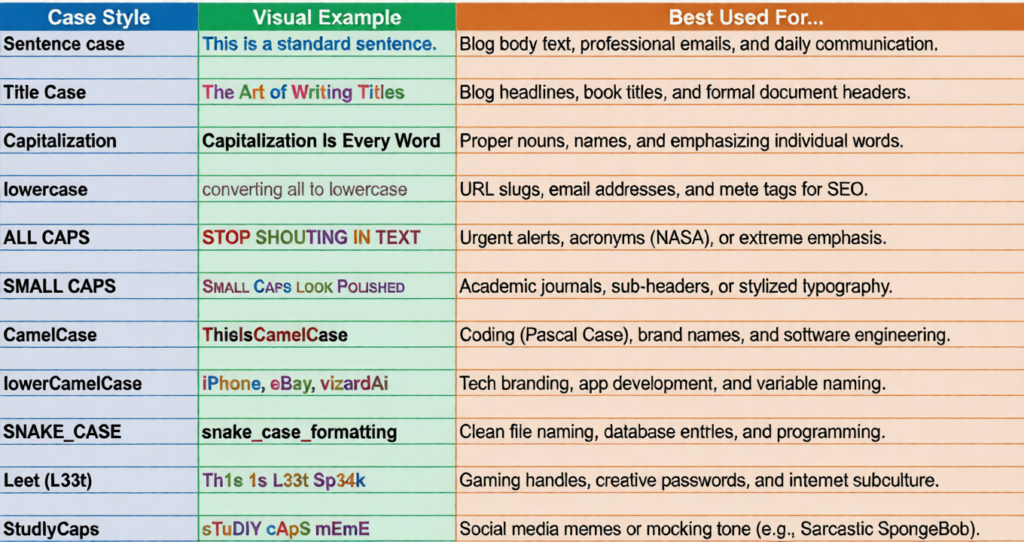
Formatting plays a bigger role than most people think because it directly impacts how the brain reads information. Text written entirely in uppercase feels aggressive and difficult to read, while text written entirely in lowercase feels incomplete and unpolished. On the other hand, a properly formatted sentence case feels balanced, clear, and professional. This affects reading speed, comprehension, and retention. For content creators, this means that better readability leads to better engagement and stronger results. This is why using the right case style is not optional but essential. Before I take you further, I’d like to show you the different case styles in the table below.
Understanding Case Styles for Better Text Transformation
Sentence Case for Maximum Readability
To use a case converter effectively, learn the different case styles. Sentence case is the most natural and widely used format, especially for blogs, emails, articles, and product descriptions because it creates a smooth reading experience.
Title Case and the Importance of Title Case Rules
Title case is mainly used for headings and headlines, helping content stand out and making it easier to scan. However, many people make mistakes because they assume every word should be capitalized. In reality, there are clear title case rules that need to be followed.
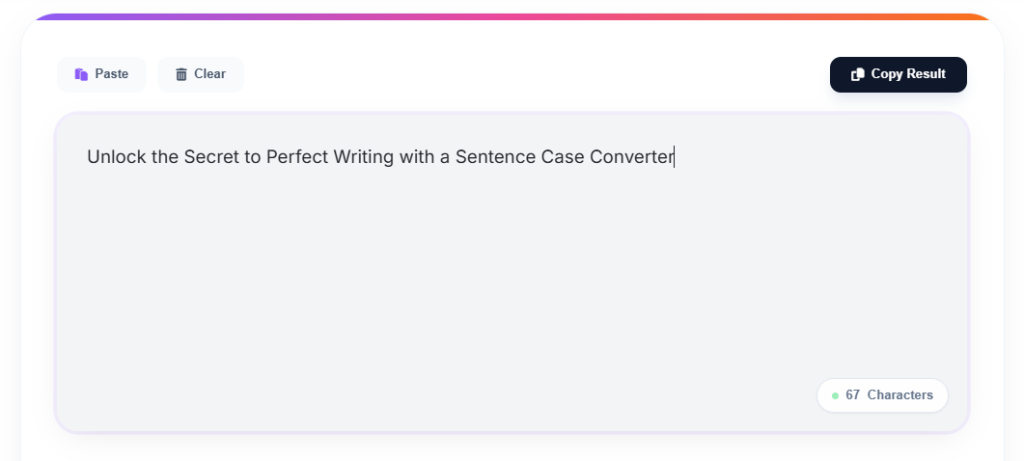
UPPERCASE and Lowercase Usage in Content
Uppercase is useful only for short alerts or emphasis, but overusing it can make your content feel aggressive. Lowercase is typically used for informal writing or casual communication, but it is not suitable for professional content.
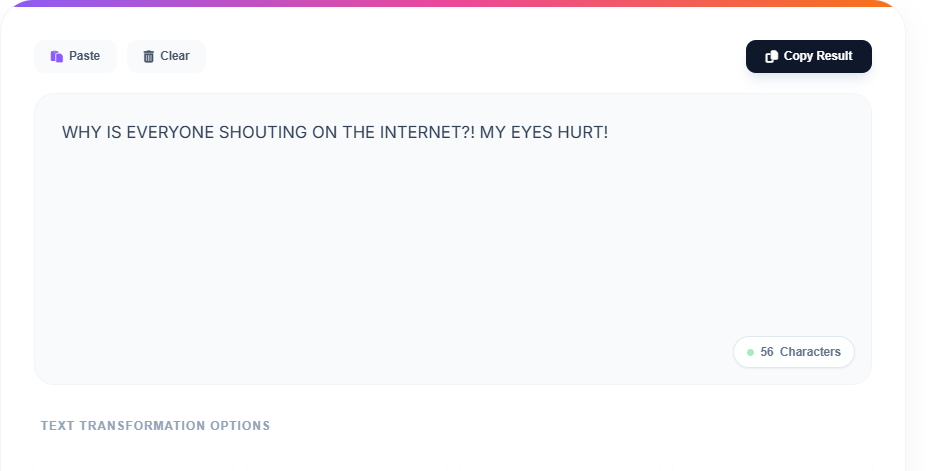
The Golden Rules of Title Case for Professional Writing
Many people make mistakes when using title cases because they assume every word should be capitalized. In reality, there are clear title case rules. You should capitalize the first and last word, along with nouns, verbs, adjectives, and adverbs. However, small words like a, an, the, of, in, on, at, and conjunctions like and, but, or are usually not capitalized. Getting this wrong can make your content look unpolished. This is where a title capitalization tool becomes helpful, as it applies these rules automatically and ensures accuracy.
How a Sentence Case Converter Improves Readability Instantly
A sentence case converter does more than just fix formatting. It improves the overall readability of your content. It removes visual noise so readers can focus on the message instead of the structure. It improves flow by making sentences easier to scan and follow. It builds trust because well-formatted content feels more professional and credible. It also saves time because you no longer have to manually edit large amounts of text. All of this contributes to a better reading experience.
Before and After: Real Impact of Text Transformation
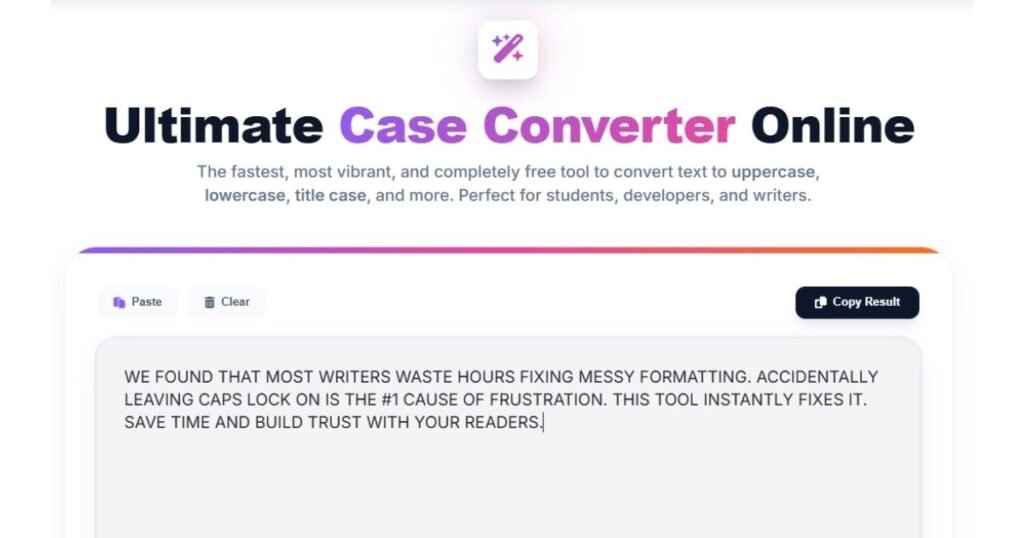
Before
After
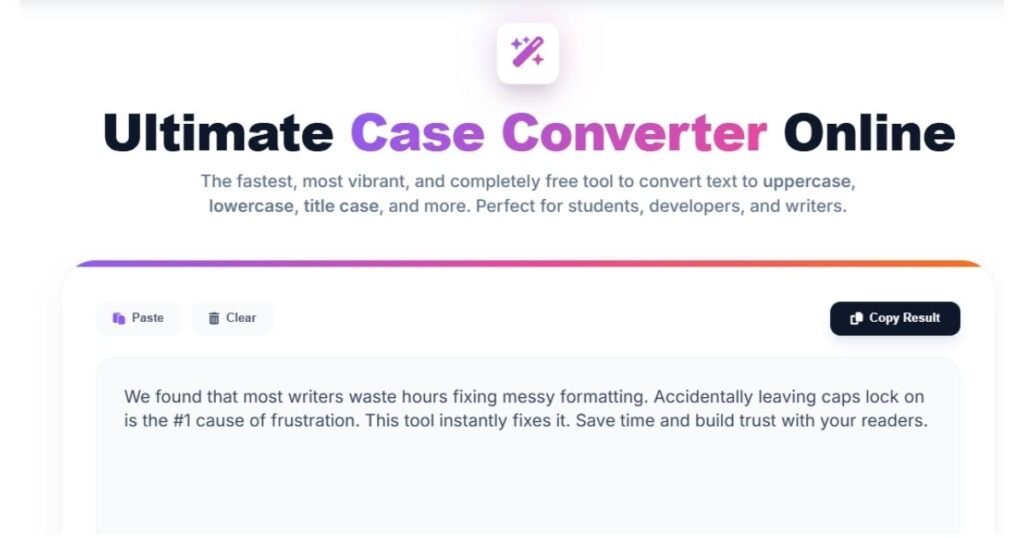
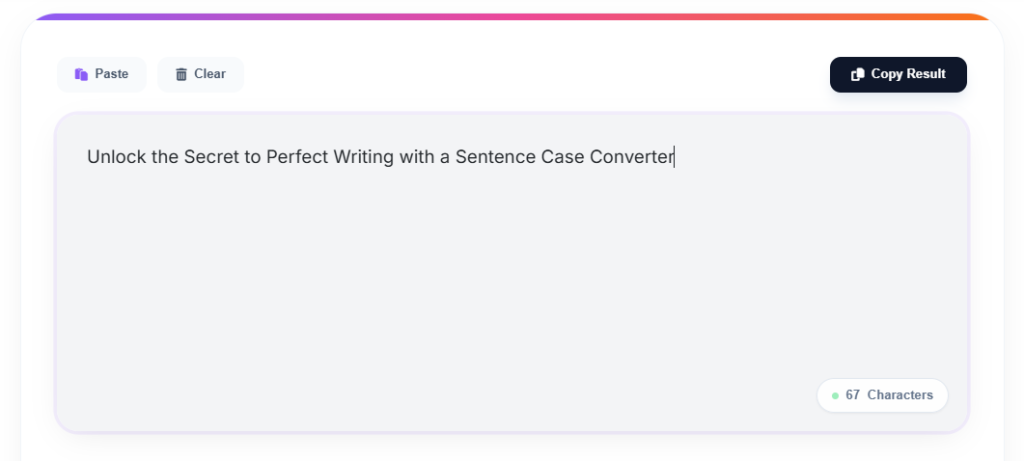
To understand the impact, consider a simple example. A paragraph written in full uppercase with random capitalization feels chaotic and hard to read. When the same content is converted into a proper sentence case, it immediately becomes clearer and more structured. The meaning does not change, but the readability improves significantly. This is exactly what a sentence case converter does instantly.
Practical Use Cases of a Sentence Case Converter
For Writers and Content Creators
This tool is useful in multiple real-world situations. Writers who regularly create blogs, articles, or product descriptions can use a case converter online to maintain consistency and improve readability.
For SEO and Content Optimization
SEO marketers often need to clean imported content, format headings, and create optimized URL slugs, where tools like upper case to lower case online become very useful.
For Students and Academic Writing
Students can use it to clean up assignments, fix formatting issues, and improve presentation.
For Teams and Business Communication
Even content teams working on websites or documentation rely on such tools to ensure uniform formatting across all content.
How This Case Converter Tool Works
One common concern users have is whether these tools are safe. Most modern case converter online free tools work directly in your browser using JavaScript. This means your text is not uploaded, stored, or shared. Everything is processed instantly on your device, making it a privacy-first solution. This ensures that your data remains secure while you use the tool.
How to Use a Sentence Case Converter Step by Step
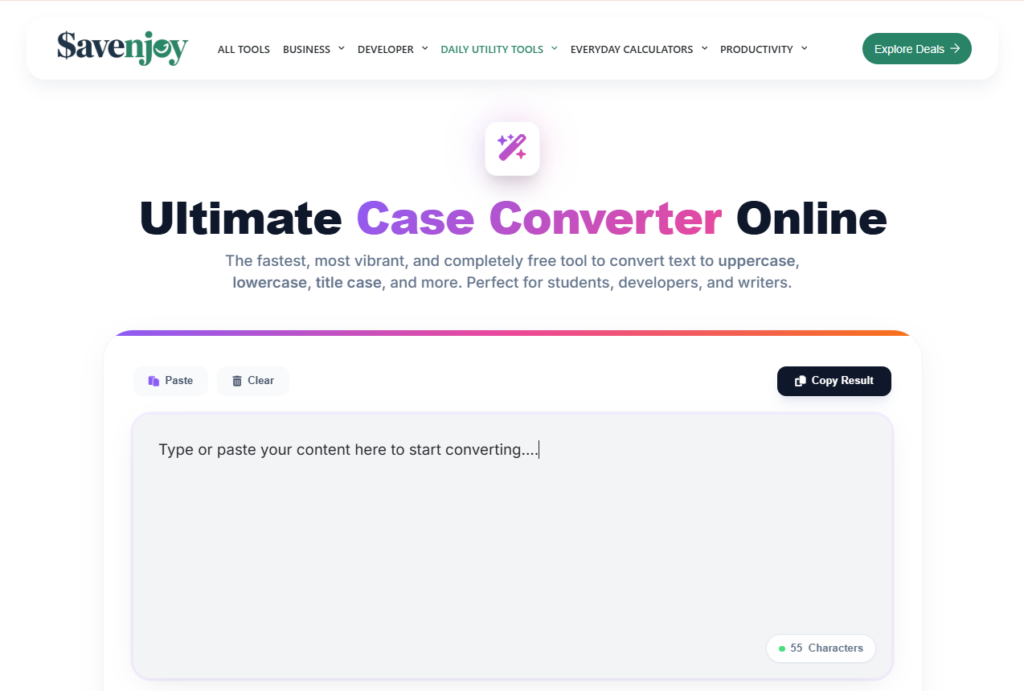
Using a sentence case converter is simple and requires no technical knowledge. You just need to copy your text, paste it into the tool, select the desired format such as sentence case, click convert, and then copy the result. You can also switch between formats or convert upper letters to lower letters instantly, which makes it highly efficient for large documents.
Common Mistakes That Reduce Readability
Despite having such tools, people still make common mistakes. Overusing uppercase makes content harder to read. Incorrect title case reduces professionalism. Mixing multiple formats in the same document creates inconsistency. Ignoring readability altogether can affect how your content performs. Avoiding these mistakes can significantly improve your writing quality.
Fun Fact: The Origin of Uppercase and Lowercase
To use a case converter effectively, learn the full technical list of different case types used in programming and digital publishing. Printers used to store letters in separate cases, with uppercase letters in the top case and lowercase letters in the bottom case. This historical detail shows how deeply formatting is connected to communication.
Final Thoughts:
Inconsistent formatting may seem like a small issue, but it creates a significant impact on how your content is perceived. It affects readability, professionalism, and engagement. A sentence case converter provides a simple and effective way to fix this problem. It helps you save time, maintain consistency, and present your content in a clean and professional manner. If you want your writing to be clear, structured, and easy to read, this is one tool you should start using immediately. Because better formatting does not just improve your content, it improves how people experience it.
FAQs
1. Why use a Case Converter?
Manual formatting is time-consuming and prone to errors. Whether you accidentally left Caps Lock on or need to clean up messy text from an email, a case converter saves you hours of manual editing. For professionals, it ensures consistency across all brand communications, which is key to building trust.
2. Why would I need a text converter for SEO?
As an SEO strategist, I know that readability is a direct ranking factor. Inconsistent capitalization in headings or meta descriptions looks unprofessional to users and can hurt your click-through rate (CTR). A converter helps you quickly format optimized titles and URL slugs (lowercase) to maintain high-quality standards.
3. How does a case converter work?
Our tool uses a simple JavaScript-based algorithm that identifies the characters in your text and replaces them with their corresponding uppercase or lowercase Unicode values. The “Sentence Case” logic specifically identifies the first character after a period (punctuation) and ensures it remains capitalized.
4. Is it safe to use an online case converter?
Yes, our Ultimate Case Converter Online is a privacy-first tool. Because it processes text directly in your browser using JavaScript, your data is never uploaded to a server or stored in a database. Your content remains 100% private on your device.
5. Can a case converter be used on a phone?
Absolutely! Our tool is fully responsive and works on all mobile browsers. You can easily copy text from a mobile app, paste it into our web tool, and convert it on the go. Perfect for social media managers and mobile editors.
6. Why is it called “uppercase” and “lowercase”?
This is a fun historical fact! In the days of traditional printing presses, metal type letters were stored in wooden boxes called cases. The capital letters were kept in the upper case, and the smaller, more frequently used letters were kept in the lower case. The names stuck even in the digital age!