⚠️ Affiliate Disclosure: We earn a commission on purchases made via our links — at no extra cost to you.

The Ultimate Guide to Password Managers for Personal & Business Use in 2026
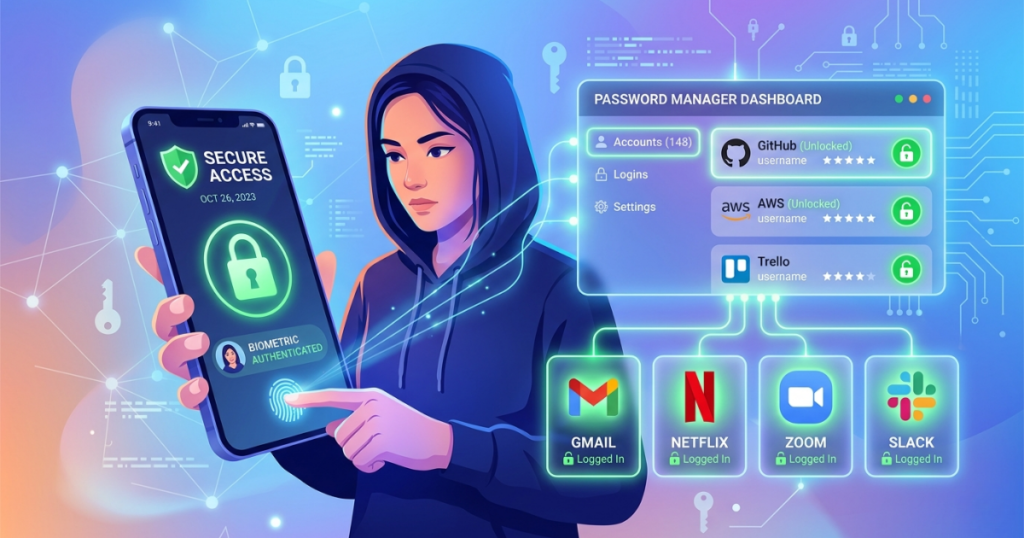
We have all been there. You are sitting at your desk, ready to buy those concert tickets or log into your work email. You type in your password. And it says the incorrect password. You try again with an extra exclamation point. Still the Incorrect password. By the third try, you are locked out. Your heart sinks. You have to go through the forgot password loop, check your email, and create a new one that you will probably forget in two weeks anyway.
In 2026, this struggle isn’t just annoying. It is very dangerous. Using the same password for everything is like having one key that opens your house, your car, and your safe. If a hacker gets that key, you lose EVERYTHING.
But I have good news for you. Passwords as we know them are dying. We are moving into the era of Passkeys and Zero-Knowledge Architecture.
In this guide, I will show you how to protect your digital life without losing your mind.
Why You Can’t Ignore Security Anymore
What most people get wrong is thinking, “I’m not a target. Why would a hacker want my Netflix password?”
It’s not about your Netflix. It’s about the fact that you likely use that same password for your banking or your work dashboard. In 2026, hackers will use AI to guess millions of password combinations in seconds.
The New Standards: Passkeys and Zero-Knowledge
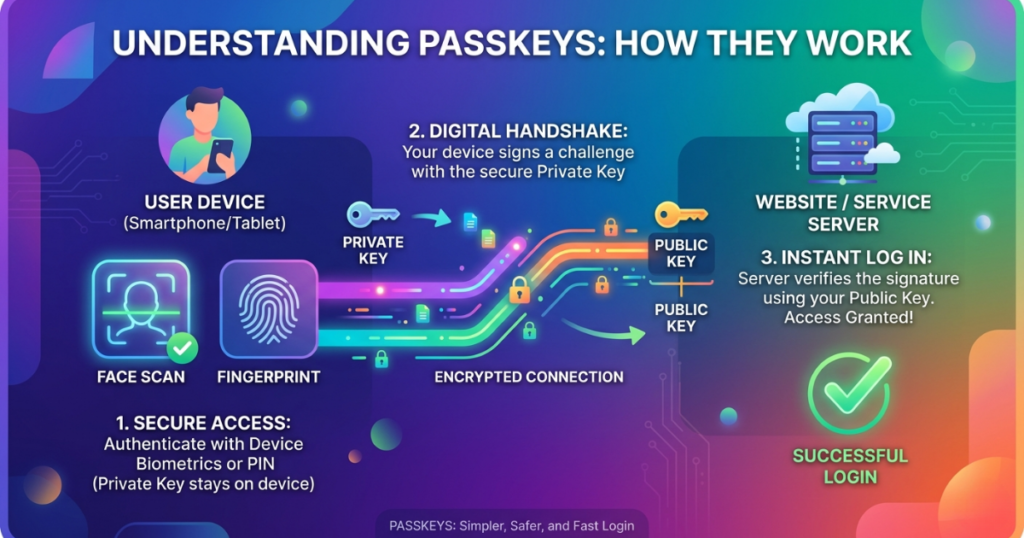
You might hear these big words and want to close this tab. Don’t. Here is what they actually mean:
- Passkeys: Instead of a typed password, your phone or computer uses a secure digital handshake. A cryptographic exchange between your device and the service you’re logging into, to verify your identity. You log in using your face or fingerprint, making it nearly impossible to phish or steal.
- Zero-Knowledge Architecture: This means the password manager company has zero idea what your passwords are. Even if the company gets hacked, your data is a scrambled mess that nobody can read.
Personal Use: Keeping Your Family Safe
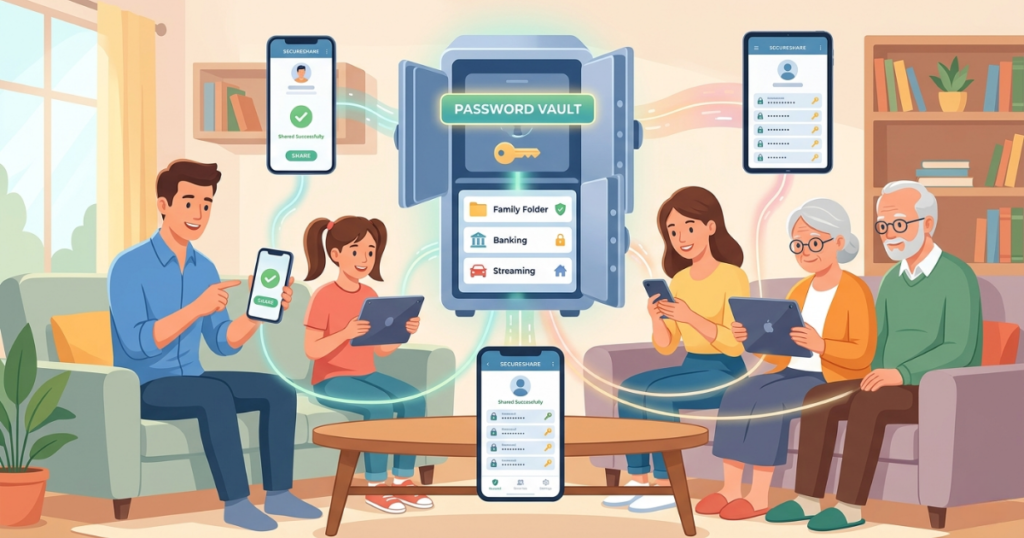
When I am testing password managers for personal use, I look for the Mom Test. Is it easy enough for my mom to use without calling me for help every five minutes?
1. Family Sharing
In 2026, we do share a lot. Disney+, Amazon, insurance portals. A good password manager lets you create a Vault where you and your spouse can both see the Wi-Fi password, but your private work passwords stay hidden.
2. Biometric Logins
Nobody wants to type a 20-character master password on a tiny phone screen. I noticed that the best apps now sync perfectly with FaceID and TouchID. You look at your phone, and boom, you are logged in.
3. Emergency Access
This is a tough topic, but it’s important. If something happens to you, can your loved ones access your digital life? Top-tier managers let you pick an emergency contact who can request access to your vault if you don’t respond within a certain timeframe.
Business Use: Protecting Your Bottom Line
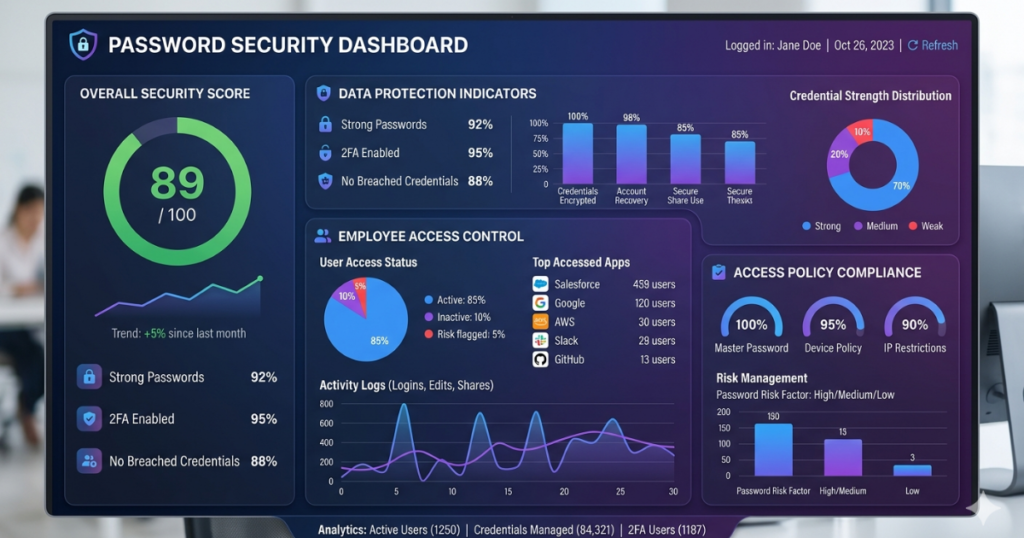
If you run a business, a password leak isn’t just a headache. It really can end your company. I’ve consulted for many firms, and the biggest risk is always human error.
Employee Onboarding and Offboarding
When a new hire starts, you shouldn’t be emailing them a list of passwords. You should be able to click one button and give them access to the tools they need. More importantly, when they leave, you need to revoke access instantly.
Vault Auditing
As a boss, you need to know: Is my team using weak passwords? Are they reusing the same one? Business versions of these tools give you a “Security Scoreboard” for your whole company.
Compliance (SOC2 and GDPR)
If you handle customer data, you must comply with strict regulations like the General Data Protection Regulation (GDPR) and SOC 2 standards, which define how businesses store, process, and protect sensitive information. Using a certified password manager helps demonstrate to auditors that your company takes security and compliance seriously.
Deep Dive: Tech Talk Simplified
Let’s break down the scary terms.
- AES-256 Encryption: Think of this as a digital vault with walls 10 feet thick. It is the same standard used by the NIST and the military. Even the world’s fastest supercomputer would take billions of years to crack it.
- Two-Factor Authentication (2FA): This is your second line of defense. Even if someone steals your password, they still need a code from your phone to get in. Always turn this on.
- Dark Web Monitoring: This is like a security guard who patrols the “shady” parts of the internet. If your email shows up in a list of stolen data, the app pings you immediately so you can change your password.
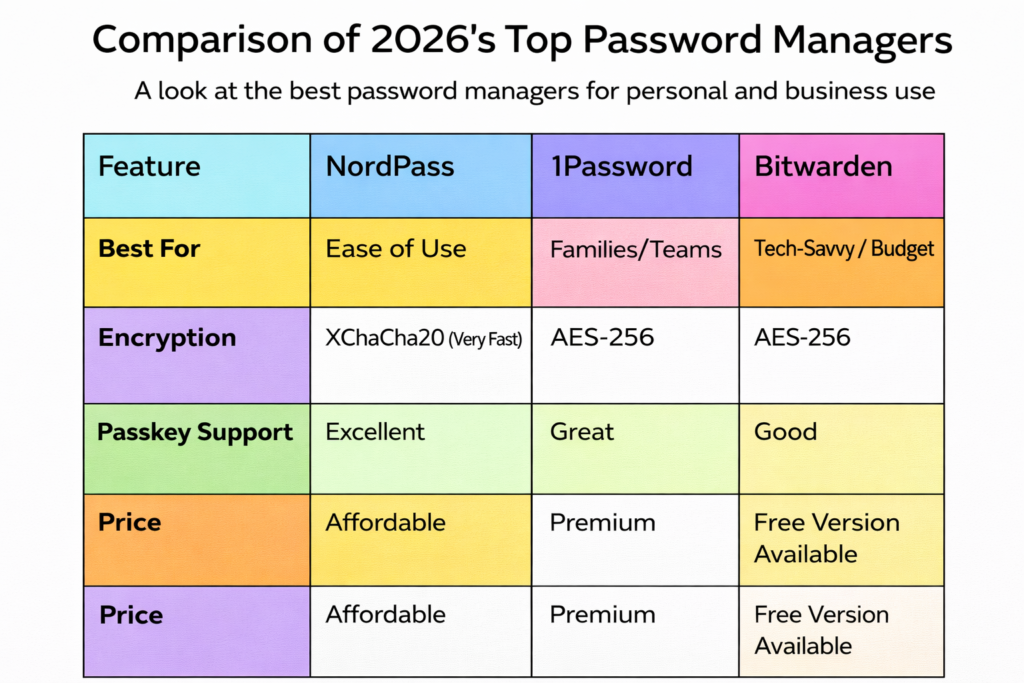
The Big Three: Comparison of 2026’s Top Picks
I spent weeks testing these apps on my phone, laptop, and tablet. Here is the honest truth.
1. NordPass
NordPass is the new kid that has grown up fast. In my testing, it was the smoothest experience.
- Pros: It uses a newer type of encryption that feels faster on older phones. The UI is very clean.
- Cons: The free version is a bit limited compared to others.
2. 1Password
This is the gold standard for many. I noticed that their travel mode is a lifesaver. It removes sensitive vaults from your device while you cross borders.
- Pros: Incredible customer support and very polished apps.
- Cons: It is the most expensive option on this list.
3. Bitwarden
If you love open source software, this is for you. What most people get wrong is thinking open source means less secure. Actually, it means experts can audit the code anytime.
- Pros: The free version is amazing. You can even host it on your own server if you are a tech pro.
- Cons: The interface feels a bit “clunky” and old-fashioned compared to NordPass.
Our Testing Methodology
How do I decide which one is best? I don’t just look at the website.
- Speed Test: I timed how long it takes to auto-fill a login on a slow 4G connection.
- UI/UX: I gave the app to a non-tech friend and watched where they got stuck.
- Support: I sent fake help tickets at 2 AM to see how fast they replied.
- Recovery: I tested how easy it is to get back into an account if you lose your master key (spoiler: it’s hard by design!).
The Verdict: What Should You Do?
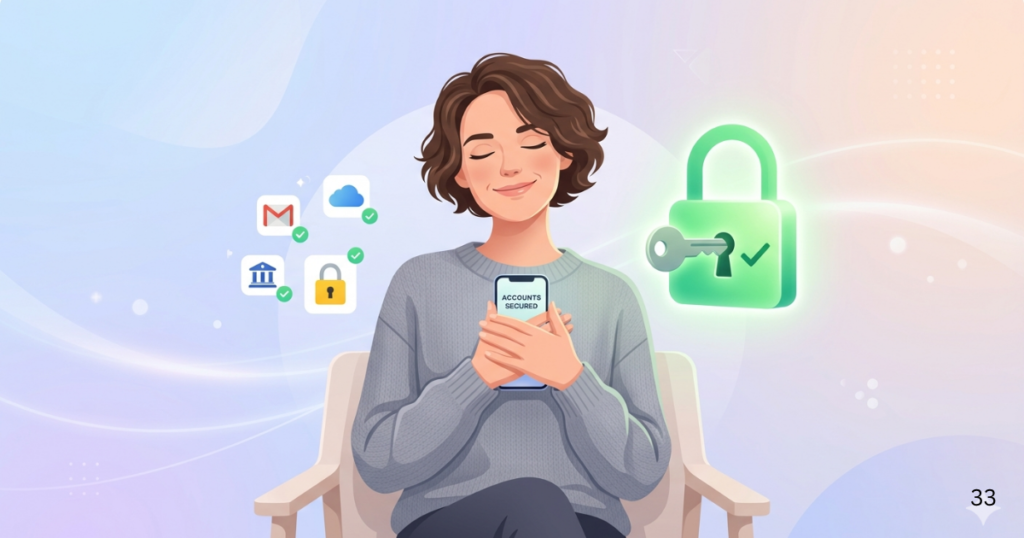
Stop waiting for a hack to happen. Here is my expert advice:
- If you want the easiest experience: Go with NordPass. It is fast, looks great, and just works.
- If you have a big family or a business: Go with 1Password. The sharing features are worth the extra few dollars.
- If you are on a tight budget: Go with Bitwarden. You get world-class security for zero dollars.
My Final Tip: Pick one today. Don’t wait until tomorrow. Download the app, move your five most important passwords (Bank, Email, Social Media) into it, and breathe a sigh of relief. Your future self will thank you.

Hi, I am Priyanka Roy, an SEO Specialist and Content Writer at Sandhu Marketing Agency Inc.. For the past 4 years, I have been helping businesses improve their websites and grow their organic traffic through practical and effective SEO strategies.
I enjoy working on different SEO tools and exploring how they actually perform in real situations. Over time, I have tested many tools, faced real challenges, and learned what works and what does not. This is exactly what I share on Savenjoy. My goal is to help you understand what to expect from a tool before you spend your money on it.
Instead of just listing features, I focus on real experiences, honest insights, and simple explanations so you can make better decisions with confidence. All I want is to make your journey easier and smarter.
I love trying new digital tools even when I do not need them, just to see if they are worth it or not.