⚠️ Affiliate Disclosure: We earn a commission on purchases made via our links — at no extra cost to you.

Best AI Video Generator for Beginners: VideoExpress AI Review
VideoExpress AI is a mixed-value tool that is best suited for budget-conscious creators rather than professional filmmakers. While it offers a unique one-time fee structure, its output quality, motion stability, and user interface currently lag behind industry-leading platforms. Our analysis suggests that while it can handle basic text-to-video tasks, the results often appear uncanny or AI-generated compared to high-end alternatives. If your priority is achieving cinematic realism and professional-grade motion for commercial projects, you may find the model’s limitations restrictive. However, for social media marketers, faceless YouTube channel YouTube channel creators, and hobbyists, it will be a perfect, low-cost, simplified entry point into AI-assisted video creation.
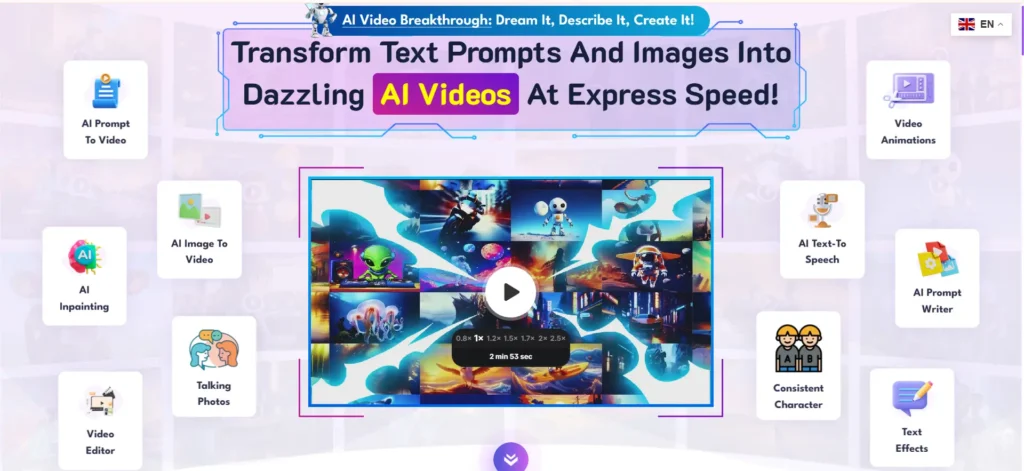
In today’s digital-first world, video content is at the center of communication. However, traditional video production is often held back by the need for technical skills, expensive software, and significant time investment. AI-powered platforms are transforming this by automating the process.
They are simplifying video creation by automating the entire process. One such platform that has gained attention recently is VideoExpress AI 2.0.
In this article, I will share a detailed, experience-based review of VideoExpress AI, including how it works, its features, benefits, limitations, and whether it is worth using in 2026.
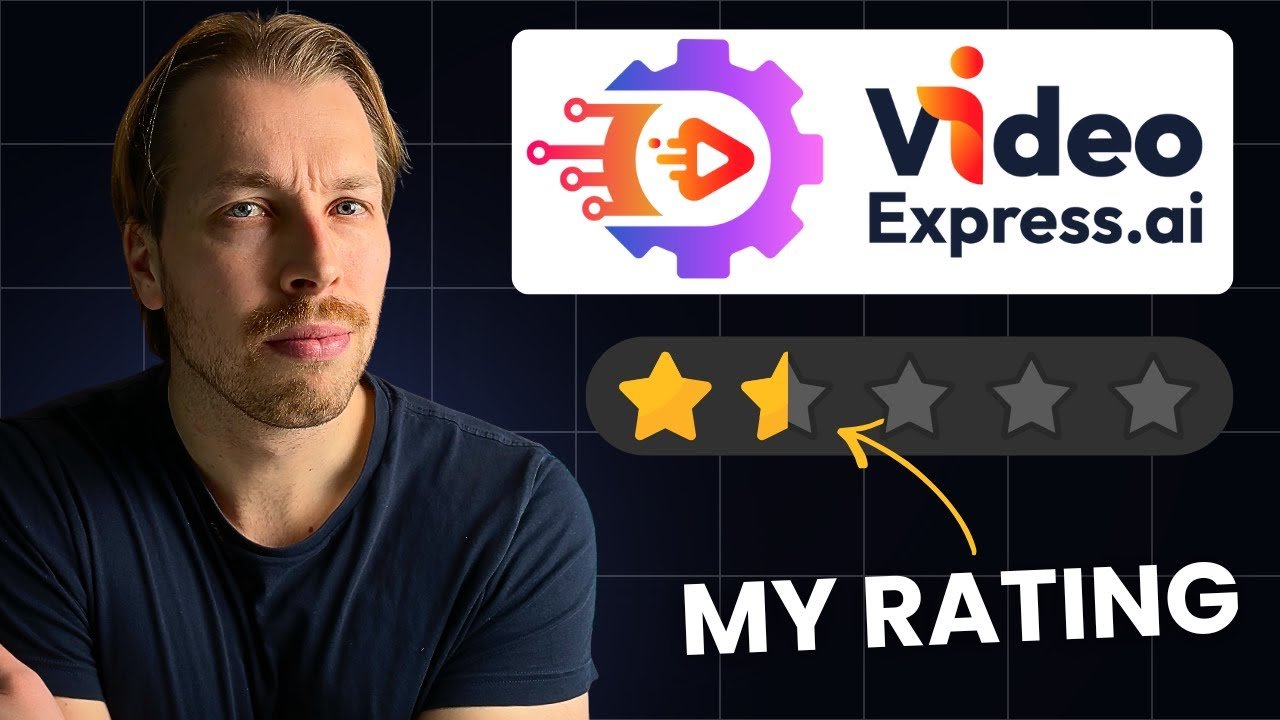
Note: For a professional perspective on how this compares to premium tools like OpenArt, check out this video analysis by Artturi Jalli. While Artturi highlights significant flaws in interface and quality, the one-time fee may still make VideoExpress AI a viable entry point for those on a strict budget.
My take on this is while Artturi Jalli points out significant flaws in the VideoExpress interface and output quality compared to premium tools like OpenArt, it’s worth noting that for users on a strict budget, the one-time fee might still be an entry point. However, if quality and ‘realism’ are your top priorities for business content, I recommend looking into the alternatives discussed in the video above.
What Is VideoExpress AI?
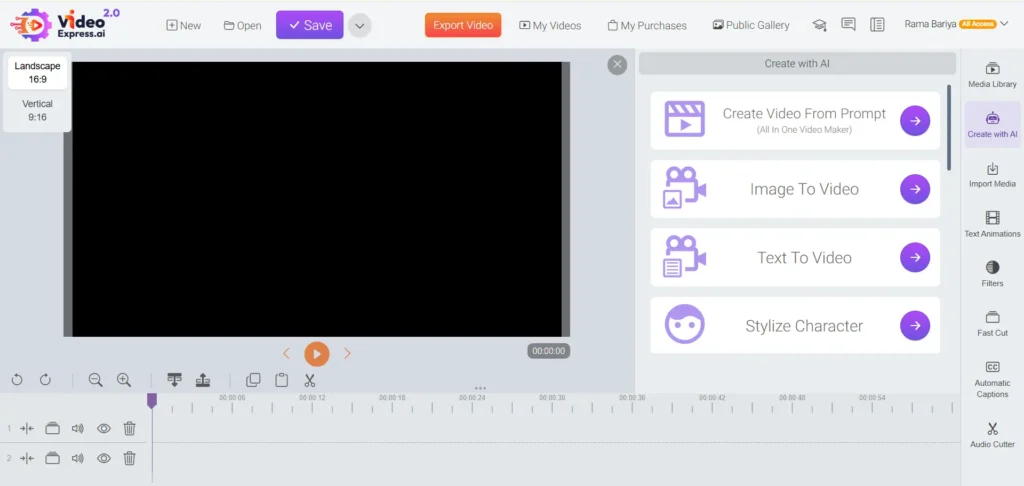
VideoExpress AI is an advanced AI-powered video creation software designed to make video production simple, fast, and accessible to everyone.
Instead of manually editing videos, users can create content using:
- Text prompts
- Images
- Predefined templates
The platform acts as an AI video generator from text, meaning you can simply describe what you want, and the system will generate visuals, animations, and even voice elements automatically.
From my experience testing the platform, it is clearly designed for:
- Beginners with no editing experience
- Content creators who need speed
- Educators and marketers
One of the biggest advantages is that it combines multiple tools in one place, including:
- Image generation
- Video animation
- Text-to-speech
- Basic editing
This eliminates the need to use multiple platforms.
How AI Video Generation Works
At its core, AI video generation relies on machine learning models trained on large datasets of images, videos, and language patterns. When you enter a prompt, the AI:
- Understands the text.
- Converts it into a visual concept.
- Generates images or scenes.
- Animates them into video.
My Hands-on Experience: 30 Hours of Testing
Is the hype around VideoExpress AI actually justified, or is it just another tool that overpromises and underdelivers? To find out, I spent over 30 hours putting VideoExpress AI through its paces. I have created everything from simple social media clips to complex storytelling sequences.
My Workflow
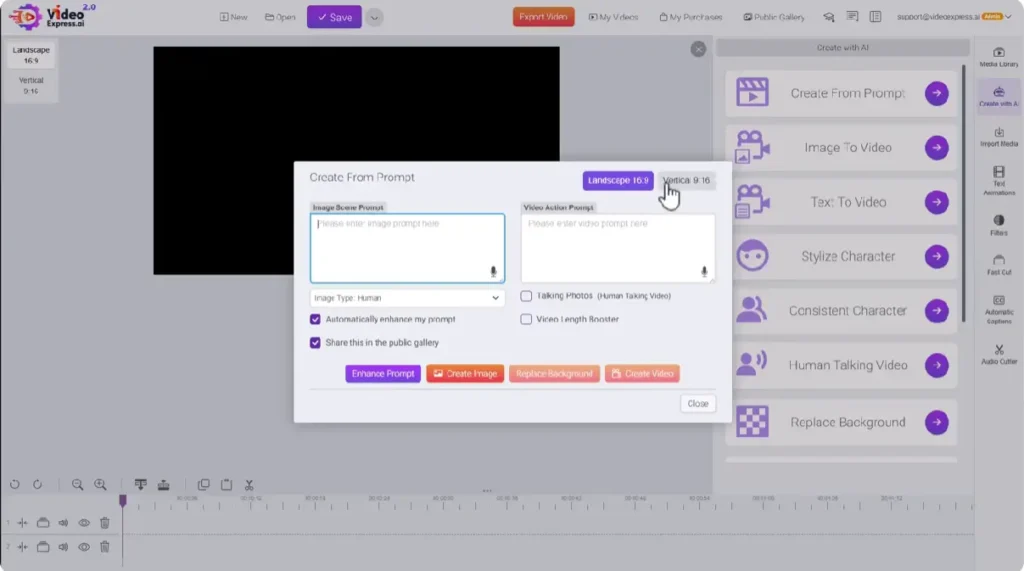
The process in VideoExpress AI is straightforward:
- Choose a method: Create from prompt, Image to video, or Text to video.
- Enter your idea: (e.g., “A baby elephant dancing near the letter A”).
- Generate & Refine: Generate the image, convert it into a video, then use the editor to finalize.
Testing Insight: During my testing, I noticed that output quality depends heavily on your prompt. Simple prompts yield better results, while complex or unrealistic prompts often require multiple retries (e.g., “Make her laugh” worked well, while an “Eagle attacking scene” needed several attempts). This shows that while the AI is powerful, it still requires your guidance to get the best result. Keep trying, keep learning, keep growing.
Key Features of VideoExpress AI
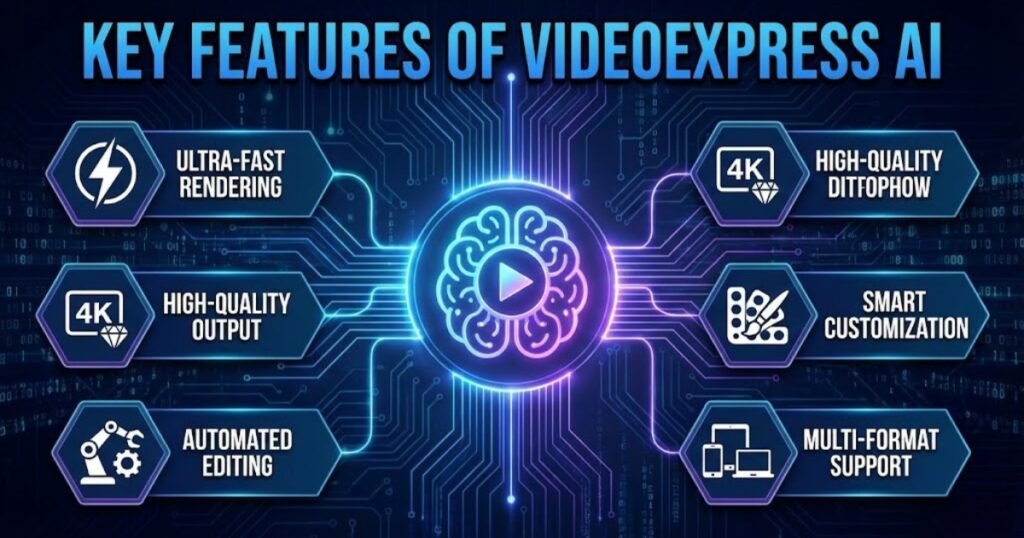
VideoExpress AI includes a wide range of features that simplify video creation. Below are the most important ones based on actual testing.
1. Create Video From Prompt
Great for basic facial expressions and short scenes, but struggles with complex interactions.
You first generate an image using a prompt and then convert it into a video.
Works well for:
- Facial expressions
- Basic actions
- Short scenes
Struggles with:
- Complex interactions
- Detailed motion accuracy
2. Image to Video
You can upload an image and animate it.
Example tests:
- Dog walking → accurate
- Dog drinking coffee → creative but slightly unrealistic
This feature is useful for:
- B-roll content
- Social media visuals
3. Text to Video
This allows direct video generation from text.
However, in my experience:
Less predictable
Lower quality compared to image-based workflow
Best approach:
Generate image first → then convert to video
4. Talking Photos
This feature is currently weak, as lip-syncing is not very accurate and movements can look robotic. But this feature makes images speak using AI voice.
From testing:
- Lip sync is not very accurate
- Movements look slightly robotic
Works better when:
- Combined with editing
- Used with zoom cuts or overlays
5. Consistent Characters
This is one of the platform’s strongest features, making it highly useful for educational content or series-based storytelling. It allows you to:
- Use the same character across multiple scenes
- Build storytelling videos
This is extremely useful for:
- Kids content
- Educational videos
- Series-based storytelling
6. Stylize Characters
You can transform characters into:
- Cartoon style
- Comic style
- Artistic variations
Maintains identity
Produces visually appealing results
7. Face Swap
Allows replacing faces in images or videos.
Useful for:
- Virtual influencers
- Personalized content
8. Built-in Video Editor
Functional for short-form content, though it tends to slow down significantly with longer videos. Includes:
- Timeline editing
- Text animations
- Filters
- Music
- Auto captions
Limitation:
- Slows down for longer videos
Best suited for:
- Short-form content
Benefits of Using VideoExpress AI
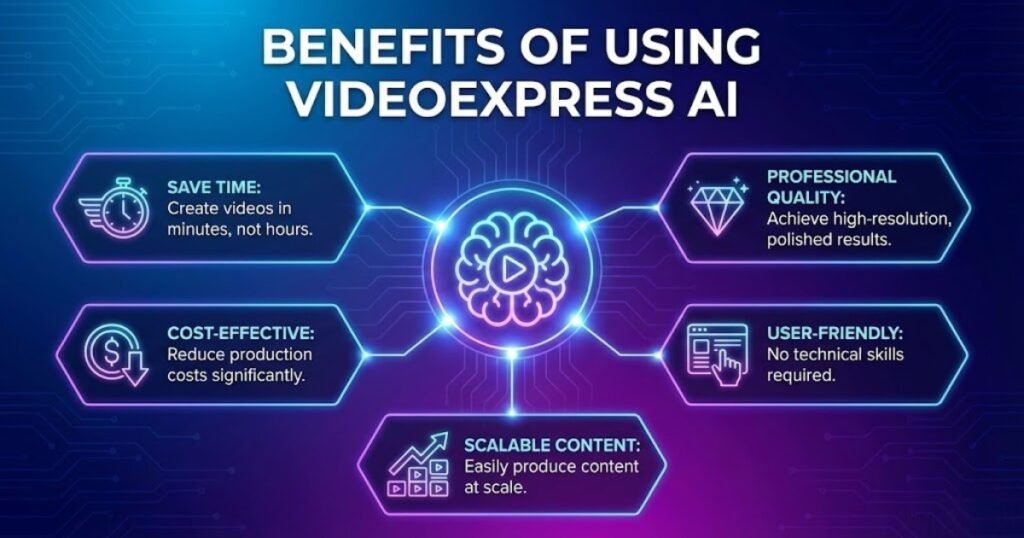
VideoExpress AI offers several advantages, especially for beginners and content creators.
1. Time Efficiency
Traditional video editing can take hours or even days.
With VideoExpress AI:
- Videos can be created in minutes
- Multiple clips can be generated simultaneously
2. Cost Effectiveness
Most AI tools require monthly subscriptions.
VideoExpress AI offers:
- One-time payment
- No credit system
This makes it accessible for:
- Small businesses
- Individual creators
3. Ease of Use
The interface is simple and beginner-friendly.
From personal experience:
It took less than a day to understand the basics
4. Creative Freedom
You can experiment with:
- Different prompts
- Styles
- Animations
Even unusual ideas can be tested quickly.
Pricing
VideoExpress AI offers one-time payment
Plans:
- Basic: $49 (Limited Not recommended)
- All Access: $179 (Recommended)
Limits:
- Up to 6000 clips/month (All Access)
- No monthly subscription
This is a BIG advantage compared to tools like:
- Monthly AI tools ($20–$50/month)
VideoExpress AI for Content Creators and Businesses
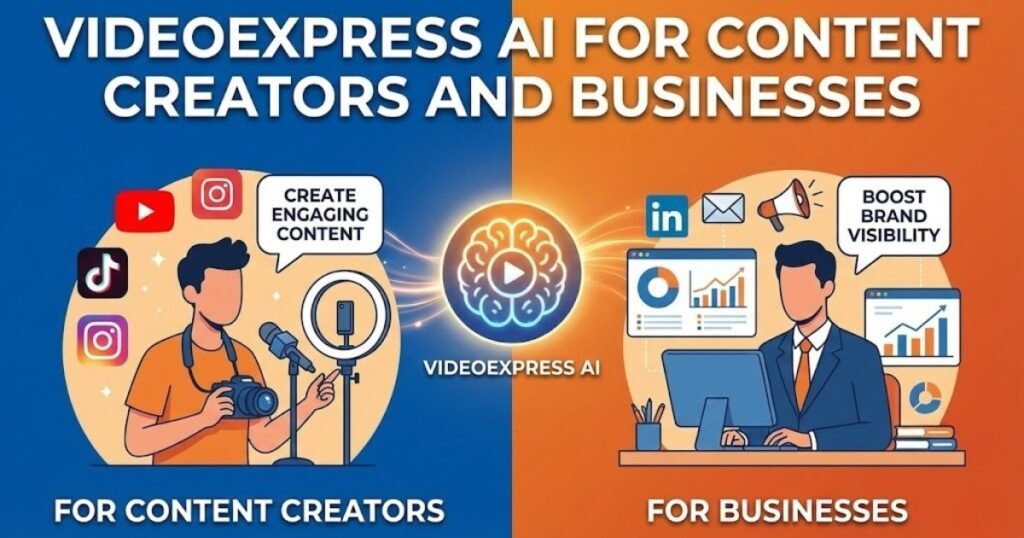
Video content is essential for both creators and businesses.
For Content Creators
Creators can:
- Convert blog content into videos
- Create YouTube Shorts
- Build storytelling content
Example:
A simple blog post can become multiple short videos.
For Businesses
Businesses can use it for:
- Product promotion
- Explainer videos
- Social media marketing
The ability to create videos quickly helps maintain consistency across platforms.
Text to Video AI and Its Practical Use Cases
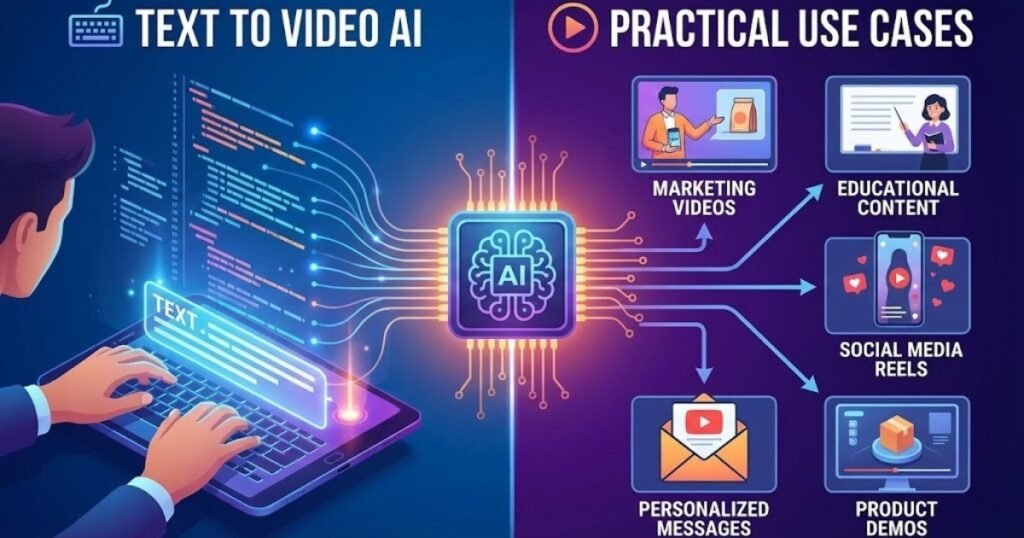
Text-to-video AI is one of the most exciting developments in content creation.
Practical Use Cases
- Educational videos
- Marketing campaigns
- Product explanations
- Storytelling
However, based on testing:
The best workflow is still:
Text → Image → Video
This gives more control over output quality.
VideoExpress AI vs Alternatives: A Comparison with Traditional Video Editing
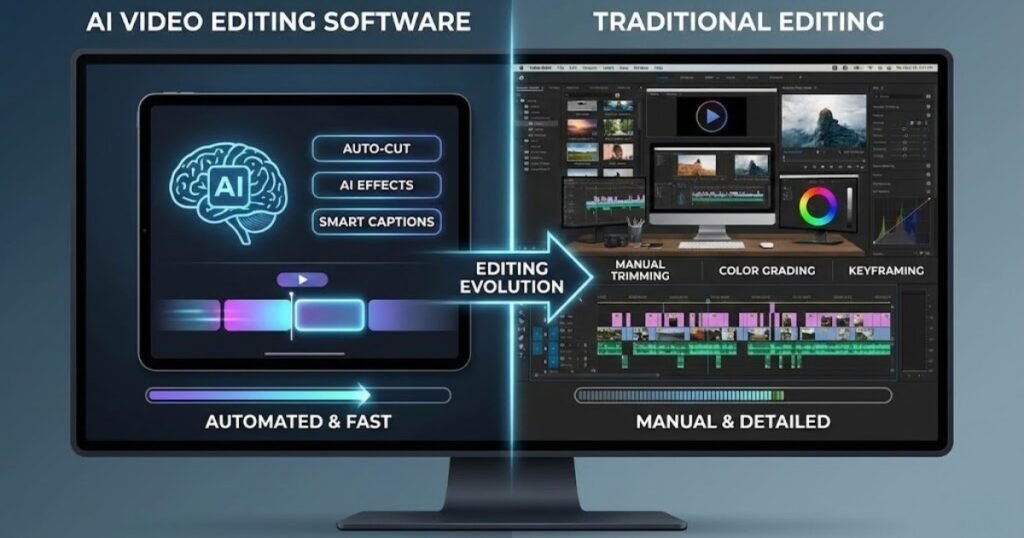
Practical Use Cases
- Educational videos
- Marketing campaigns
- Product explanations
- Storytelling
However, based on testing:
The best workflow is still:
Text → Image → Video
This gives more control over output quality.
Pros and Cons of VideoExpress AI
Pros
- One-time payment (no monthly stress)
- Beginner-friendly interface
- Multiple AI tools in one platform
- Unlimited generation (no credits system)
- Great for short-form content
- Public gallery for inspiration
Cons
- Talking photo feature is weak
- Some AI results are inconsistent
- Not suitable for high-end cinematic videos
- Editor slows for long videos
- No free trial
While VideoExpress AI is a great budget-friendly entry point, it’s always good to see how it compares to other industry-leading tools. If you are exploring all your options, you can read our comprehensive guide on the Top 10 AI Video Generator Tools for Modern Content Creation to find the perfect match for your projects.
Who Should Use VideoExpress AI?
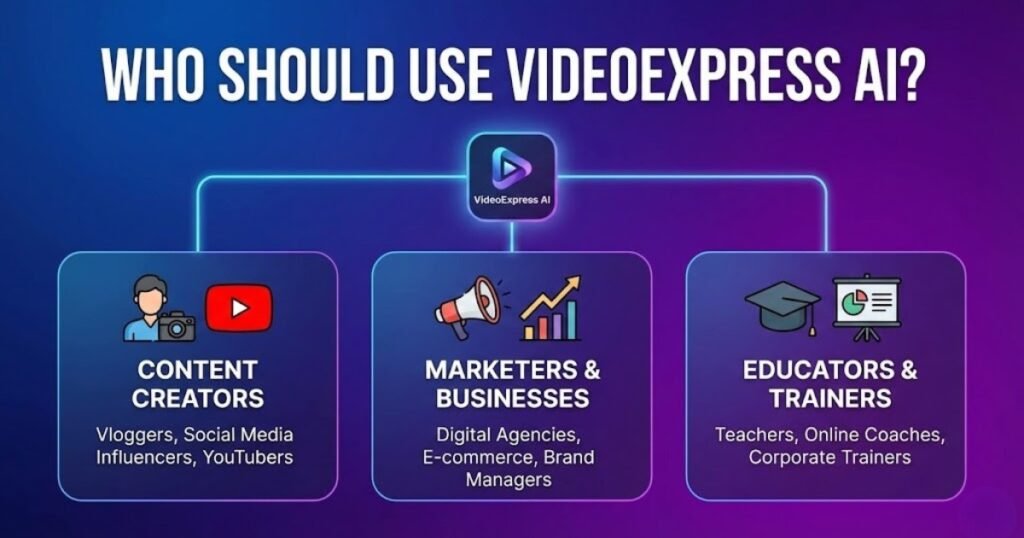
VideoExpress AI is suitable for a wide range of users. Digital marketers can create promotional videos for campaigns and advertisements. Educators can design instructional videos without recording equipment. Small business owners can produce product demonstrations and social media content.
VideoExpress AI is an excellent choice for:
- Beginners with no editing experience.
- Social Media Marketers who need speed and consistency.
- YouTube Automation Creators looking for low-cost assets.
- Small Business Owners producing quick product demonstrations.
The intuitive interface and automated features reduce the learning curve, allowing anyone to start creating videos confidently. Not ideal for professional filmmakers and high-end video production.
Digital Marketing Advantages of AI Generated Videos
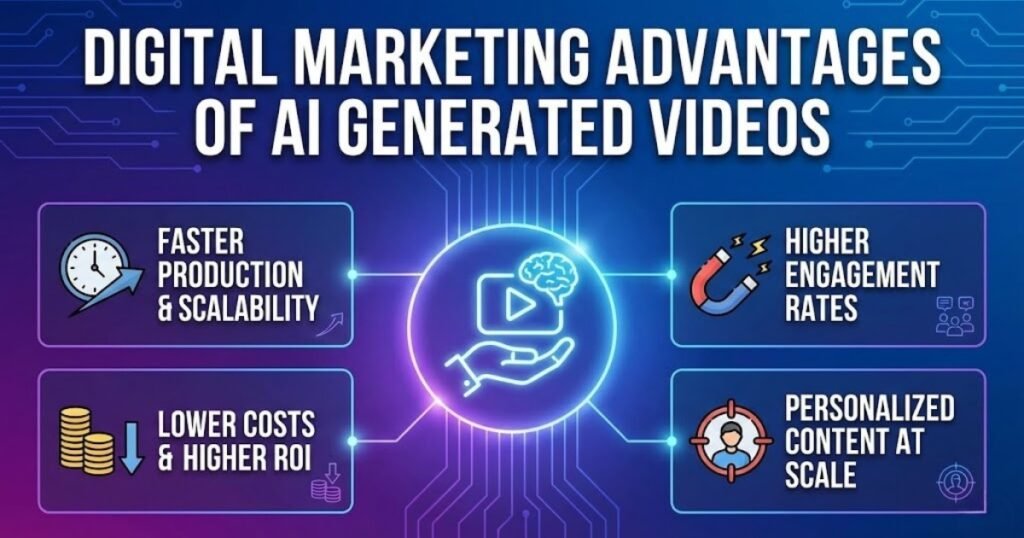
AI generated videos have become a valuable asset in modern digital marketing strategies. They help brands communicate messages more clearly while saving time and resources. By using an ai video generator, businesses can produce consistent video content for websites, social media platforms, email campaigns, and landing pages without relying on complex production processes. This consistency strengthens brand visibility and keeps audiences engaged across multiple channels.
Another major advantage is improved audience interaction. Videos created through video creation software encourage users to stay longer on a page, which supports better engagement metrics and campaign performance. AI powered videos also make it easier to personalise marketing content at scale. Marketers can quickly adapt scripts, promotions, and messages for different audiences, making digital campaigns more effective and results driven.
Limitations to Consider
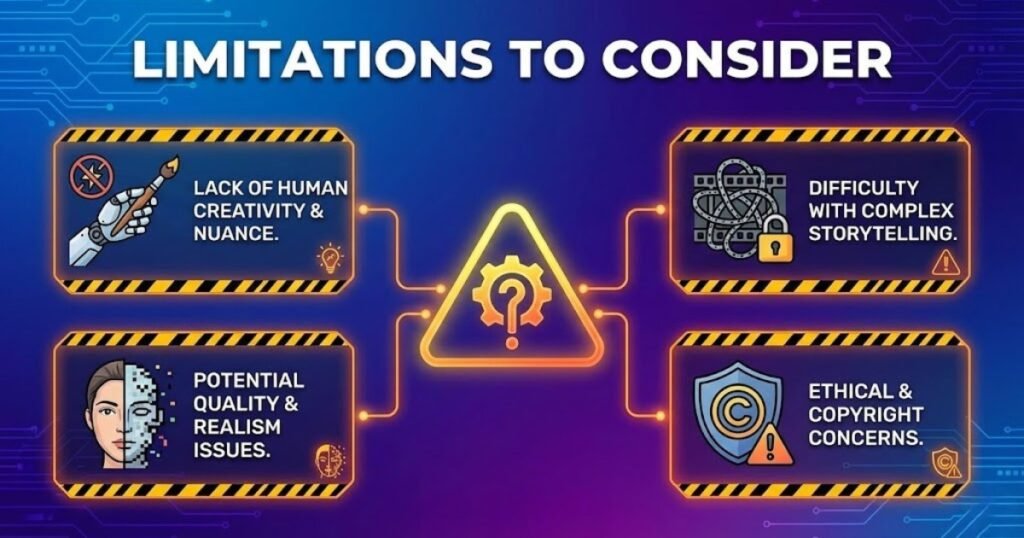
While VideoExpress AI offers many advantages, it is important to understand its limitations. AI generated videos may have fewer customisation options compared to fully manual editing. Users looking for highly detailed animations or cinematic effects may still require professional tools.
Additionally, as a cloud based platform, performance depends on internet connectivity. However, for most standard use cases, these limitations do not outweigh the benefits.
Final Thoughts on VideoExpress AI
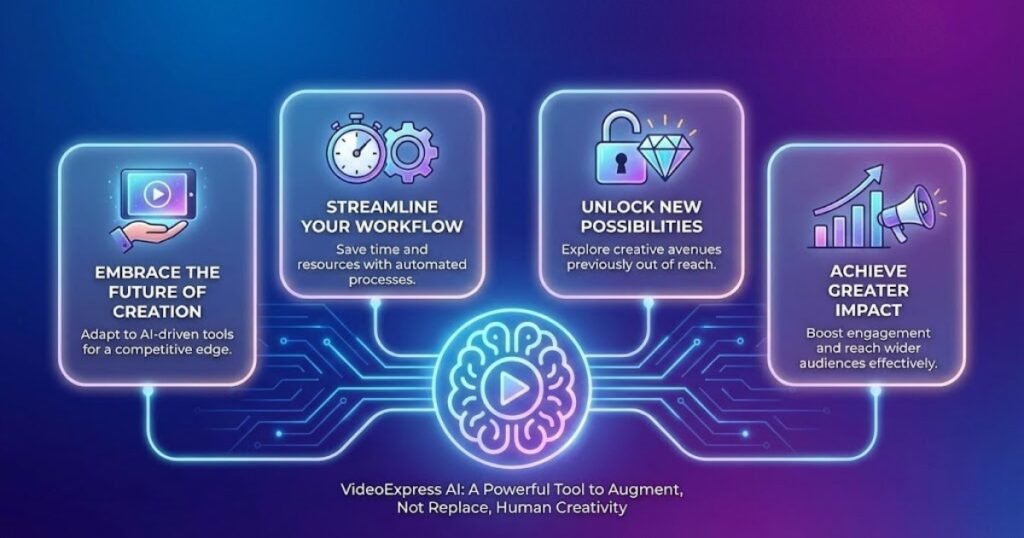
VideoExpress AI represents a practical solution for modern video creation needs. By combining artificial intelligence with intuitive design, it enables users to create professional videos quickly and affordably. If you are a marketer or creator looking to scale your content without a monthly subscription, it is a tool worth serious consideration. However, if professional-grade realism is your top priority for business content, I recommend exploring high-end alternatives.
As demand for video continues to grow, tools like VideoExpress AI demonstrate how automation can simplify creative processes. For anyone seeking an efficient ai video generator that transforms text into visually appealing videos, this technology is worth serious consideration.

Hi, I am Priyanka Roy, an SEO Specialist and Content Writer at Sandhu Marketing Agency Inc.. For the past 4 years, I have been helping businesses improve their websites and grow their organic traffic through practical and effective SEO strategies.
I enjoy working on different SEO tools and exploring how they actually perform in real situations. Over time, I have tested many tools, faced real challenges, and learned what works and what does not. This is exactly what I share on Savenjoy. My goal is to help you understand what to expect from a tool before you spend your money on it.
Instead of just listing features, I focus on real experiences, honest insights, and simple explanations so you can make better decisions with confidence. All I want is to make your journey easier and smarter.
I love trying new digital tools even when I do not need them, just to see if they are worth it or not.