⚠️ Affiliate Disclosure: We earn a commission on purchases made via our links — at no extra cost to you.

A Complete Beginner’s Guide on Adobe Software for Marketing, Design, and Productivity
Contents
hide
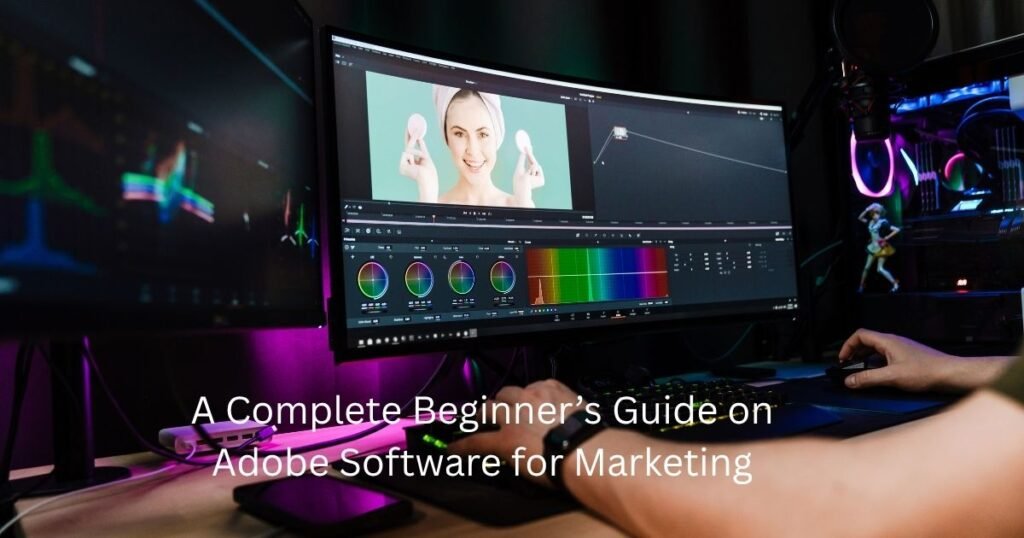
In today’s digital world, almost everyone needs to create or manage content. You might be a student making a presentation, a small business owner designing a flyer, or someone trying to edit a family video. To do these things well, most people turn to adobe software.
Adobe has been the leader in creative tools for a long time. Their programs are used by professionals, but they are also available for beginners who want their work to look high-quality. In this guide, we will break down the most popular tools and how they can help you.
What Is Adobe Creative Cloud?
If you want to use Adobe, you will likely use adobe creative cloud. Think of it like a digital toolbox. Instead of buying one program on a disc, you pay a subscription to get access to many different apps online.
The best part about the Creative Cloud is that everything stays connected. If you start a project on your laptop, you can often see your files on your tablet or phone. It also stays updated automatically, so you always have the newest features without having to buy a new version every year.
Why Adobe Software Is So Popular
1 image here
The popularity of adobe software comes from its reliability and professional quality. Many industries consider Adobe tools as a standard for creative and office work. Designers trust Adobe for accuracy and control, while businesses use Adobe tools to handle documents and marketing materials.
One of the main reasons people choose Adobe is because its tools are highly specialized. Each application focuses on a specific task, such as image editing, video editing, or PDF management. This allows users to achieve high-quality results that are difficult to produce with simple or free tools. Adobe also invests heavily in research and development, which means its software improves regularly with better performance and smarter features.
Another reason for Adobe’s popularity is its large learning community. There are thousands of tutorials, courses, and guides available online. This makes it easier for new users to learn and improve their skills over time.
Adobe Photoshop for Image Editing
1 image here
Adobe photoshop is probably the most famous software in the world for editing photos. People use it for everything from basic cropping to complex digital art.
- What it does: It lets you change colors, remove backgrounds, and fix mistakes in photos.
- Why it’s great: It uses layers. This means you can put text on top of a photo without ruining the original image.
- In my experience: While it looks scary at first because of all the buttons. Starting with just the Spot healing and Crop tools makes it much easier to handle.
Adobe Premiere Pro for Video Editing
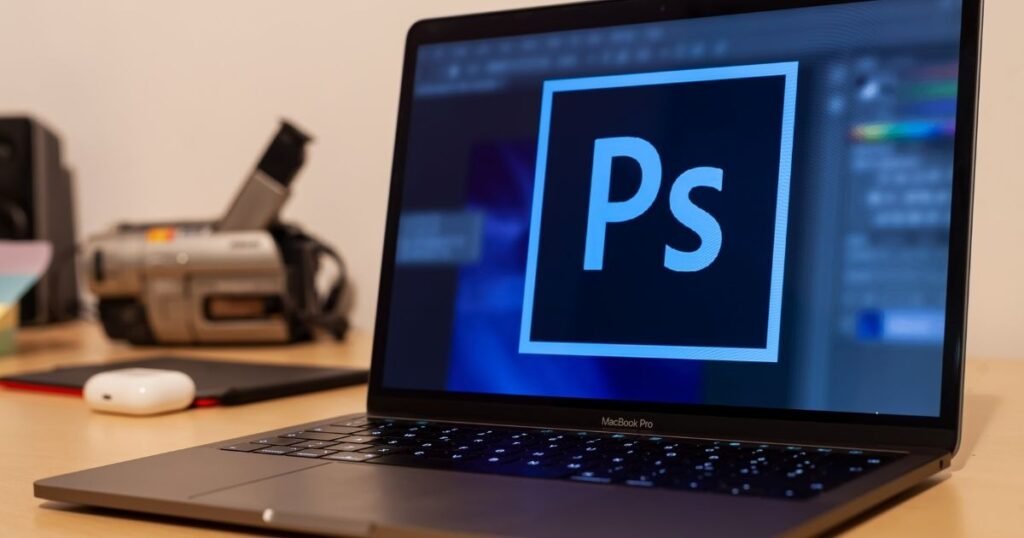
Video content has become extremely popular in recent years, especially on social media and online platforms. adobe premiere pro is a professional video editing tool designed to help users create high-quality videos. It is commonly used by YouTubers, filmmakers, and marketing teams.
Premiere Pro allows users to cut and arrange video clips, add music, apply transitions, and adjust colors. It supports different video formats and works well with high-resolution footage. This makes it suitable for both short online videos and longer projects such as documentaries or advertisements.
One of the strengths of Premiere Pro is its ability to handle complex projects with multiple layers of video and audio. Users can organize their work using timelines and tracks, which makes editing more structured and efficient. While it may take some time to learn, it offers great flexibility and control for serious video creators.
With YouTube and Instagram being so popular, video editing is a huge skill. Adobe premiere pro is the tool the pros use to make movies, but it’s also great for social media creators.
You can drag and drop video clips, add music, and put titles on the screen. Because it is part of the Adobe family, you can easily bring in a logo you made in Photoshop and put it right into your video. For anyone looking to build a brand, this is the go-to software.
Adobe Acrobat for Important Document Management

Apart from creative tools, Adobe also provides solutions for handling documents. Adobe Acrobat is widely used for working with PDF files. PDFs are popular because they keep the layout and formatting of a document the same on different devices. Acrobat allows users to open, read, edit, and secure PDF files.
We all deal with PDF files. Adobe acrobat is the best way to handle them. Most people use the free version just to read PDFs, but the full version does much more.
- Edit Text: You can actually change the words in a PDF.
- Sign Documents: You can add your digital signature to contracts.
- Merge Files: You can take five different documents and turn them into one single PDF.
It makes managing paperwork much faster and keeps your files looking professional on any device.
Understanding Adobe Creative Cloud Price
One thing to know is that Adobe uses a subscription model. You don’t “own” the software forever with one payment. Instead, you pay a monthly or yearly fee.
The adobe creative cloud price depends on what you need:
- Single App Plan: If you only need Photoshop, you can pay for just that.
- All Apps Plan: This gives you over 20 programs.
- Student/Teacher Plan: This is much cheaper if you have a school email address.
Pro Tip: Always check for the 7-day free trial first. It’s a great way to see if the software feels right for you before spending any money.
Adobe Creative Cloud Price and Subscription Model
One of the most common questions users have is about adobe creative cloud price. Adobe follows a subscription model instead of selling software with a one-time payment. This means users pay monthly or yearly to access the tools they need. The cost depends on whether someone chooses a single application or a complete package that includes all major tools.
This system has advantages and disadvantages. On one hand, users always receive updates and new features without paying extra for upgrades. On the other hand, the ongoing cost can feel expensive for some people, especially beginners. However, for professionals who use these tools regularly, the subscription often becomes a practical investment because of the time and quality it saves.
Adobe also offers different plans for individuals, students, and businesses. This allows users to choose a package that fits their needs and budget. Understanding the pricing structure is important before subscribing, so users can select the most suitable option.
Who Should Use Adobe Software?
Adobe software is suitable for a wide range of users. Graphic designers and photographers rely on it for visual content creation. Video editors and content creators use it to produce professional-quality videos. Businesses use it for marketing materials and document management. Students use it to learn creative skills and prepare for careers in media and design.
People who want to work in creative fields often start learning Adobe tools because they are widely accepted in the industry. Having experience with these tools can improve job opportunities and freelance work. At the same time, casual users can also benefit from Adobe if they want better control over their photos, videos, or documents.
Adobe software is the industry standard for a reason. While there are free alternatives, they often lack the power and smart features that Adobe offers.
If you are serious about your digital marketing or creative hobbies, learning these tools is a great investment. It takes a little bit of practice, but the results are worth it. Your images will look sharper, your videos will look smoother, and your documents will be more secure.
Advantages and Challenges of Using Adobe Creative Cloud
The Benefits
- Ecosystem: Moving projects between apps is seamless.
- Modern Features: Frequent updates keep the tools fast and secure.
- Consistency: Once you learn the layout of one Adobe app, others feel familiar.
The Challenges
- Learning Curve: It takes time and practice to master the advanced features.
- Ongoing Cost: The subscription can feel expensive if you don’t use the tools regularly
Final Thoughts

Adobe has created a powerful system for anyone looking to improve their digital skills. Whether you are focused on adobe photoshop, adobe premiere pro, or adobe acrobat, these tools help you work more efficiently and professionally.
While it takes some practice, the results are worth the investment. Your images will look sharper, your videos will be smoother, and your documents will be more secure.
What do you think? Are you going to start with photo editing or dive straight into video?

Hi, I am Priyanka Roy, an SEO Specialist and Content Writer at Sandhu Marketing Agency Inc.. For the past 4 years, I have been helping businesses improve their websites and grow their organic traffic through practical and effective SEO strategies.
I enjoy working on different SEO tools and exploring how they actually perform in real situations. Over time, I have tested many tools, faced real challenges, and learned what works and what does not. This is exactly what I share on Savenjoy. My goal is to help you understand what to expect from a tool before you spend your money on it.
Instead of just listing features, I focus on real experiences, honest insights, and simple explanations so you can make better decisions with confidence. All I want is to make your journey easier and smarter.
I love trying new digital tools even when I do not need them, just to see if they are worth it or not.