⚠️ Affiliate Disclosure: We earn a commission on purchases made via our links — at no extra cost to you.

Top 5 LastPass Alternatives 2026
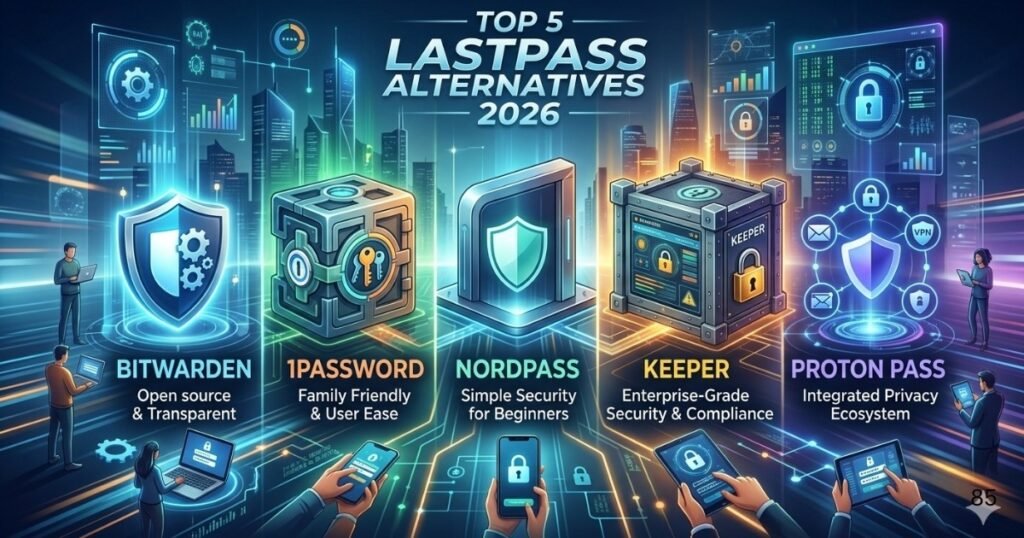
LastPass remains one of the most recognized password managers in the cybersecurity industry, but many users are exploring alternatives in 2026 due to changing security expectations, pricing considerations, feature requirements, and personal preferences. The modern password manager market has evolved significantly during the past few years. Users now expect more than simple password storage. They want strong password governance, advanced access management, reliable cloud synchronization, secure sharing capabilities, support for multifactor authentication, and a transparent approach to digital asset security. Businesses are also looking for platforms that align with their internal data protection standard while helping employees maintain secure login practices. The best password managers combine convenience with strong security controls, making it easier to protect online identities without creating unnecessary complexity. This guide evaluates five of the strongest LastPass alternatives available in 2026 based on security architecture, usability, platform support, pricing value, and overall cybersecurity posture.
What Makes a Great LastPass Alternative
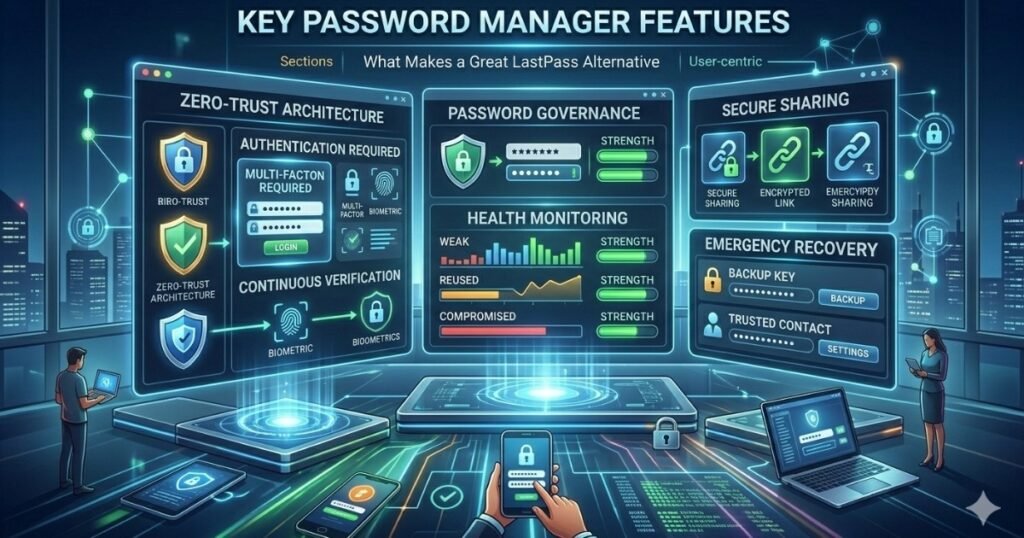
Choosing a replacement for LastPass requires more than comparing prices. A reliable password manager should help users strengthen security while simplifying account management. The strongest platforms use a modern encryption protocol to protect stored information and implement security principles similar to zero trust architecture where access requests require continuous verification. Effective solutions should support cloud synchronization across devices, secure password sharing, emergency recovery options, and detailed access management controls. For businesses, administrative visibility and user management capabilities are equally important. For individuals, ease of use and account recovery processes often influence long term satisfaction. Evaluating these factors helps ensure that the selected platform supports both convenience and long term digital asset security.
1 Bitwarden
Bitwarden has become one of the most popular LastPass alternatives because it combines strong security with affordability. One of its most attractive characteristics is its foundation in open source software. Since the source code is publicly available, independent security researchers can review and evaluate the platform. This transparency appeals to security conscious users who want greater visibility into how their information is protected. Bitwarden supports multifactor authentication, secure credential sharing, encrypted vault storage, and cross platform cloud synchronization. The platform also offers self hosting options for organizations that want additional control over their data. Its balance of affordability, transparency, and security makes it an excellent choice for both individuals and businesses seeking a dependable password management solution.
Best For
- Budget conscious users
- Privacy focused individuals
- Small businesses
- Users who prefer open source software
2 1Password
1Password has built a strong reputation by focusing on usability and security. The platform uses a unique security model that combines account passwords with additional security secrets, creating multiple layers of protection for stored credentials. Its interface is often considered one of the easiest to navigate, making adoption simpler for families and business teams. The platform offers strong access management controls, secure document storage, password health monitoring, and detailed administrative capabilities. Businesses frequently choose 1Password because it balances enterprise level security features with an intuitive user experience. For organizations seeking streamlined deployment and user friendly management tools, 1Password remains one of the strongest options available in 2026.
Best For
- Families
- Growing businesses
- Teams requiring simple administration
- Users prioritizing ease of use
3 NordPass
NordPass continues to gain popularity because of its clean design and strong security framework. Developed by the team behind well known privacy products, NordPass focuses on making password management accessible to everyday users while maintaining robust protection standards. The platform supports multifactor authentication, encrypted password storage, secure password sharing, and comprehensive device synchronization. Its password health tools help users identify weak, reused, or compromised credentials. NordPass also provides business oriented features that help organizations improve password governance and strengthen their overall cybersecurity posture. Users who want a straightforward experience without sacrificing important security capabilities often find NordPass to be an attractive alternative.
Best For
- Beginners
- Remote workers
- Small teams
- Users seeking simplicity
4 Keeper
Keeper has earned recognition for its strong enterprise security capabilities. The platform places significant emphasis on business security requirements, including compliance support, advanced reporting, and administrative oversight. Keeper offers secure credential storage, encrypted file protection, role based access management, and detailed audit capabilities. Organizations operating within regulated industries often appreciate the visibility and control provided by these features. While individual users can also benefit from the platform, Keeper is particularly attractive to businesses that need centralized security oversight. Its comprehensive feature set makes it a strong contender for organizations focused on maintaining a high data protection standard.
Best For
- Enterprises
- Compliance focused organizations
- Security administrators
- Large teams
5 Proton Pass
Proton Pass has rapidly established itself as a compelling choice for privacy conscious users. Created by the team known for privacy focused communication services, Proton Pass emphasizes security and user control. The platform integrates well within a broader privacy ecosystem while offering encrypted password storage, secure note management, multifactor authentication support, and cross device cloud synchronization. Users who value privacy often appreciate the company philosophy and security focused development approach. While newer than some competitors, Proton Pass continues to expand its feature set and attract users looking for a modern password management solution built around privacy principles.
Best For
- Privacy enthusiasts
- Security focused individuals
- Existing Proton users
- Users seeking an integrated privacy ecosystem
Open Source Software Versus Proprietary Platforms
One important consideration when choosing a LastPass alternative is whether the platform relies on open source software or proprietary development. Open source solutions such as Bitwarden provide transparency because independent experts can review the code for potential vulnerabilities. This visibility often appeals to technically minded users who value community driven security validation. Proprietary solutions such as 1Password, NordPass, and Keeper focus heavily on usability, dedicated support, and polished customer experiences. Neither approach is inherently superior. The right choice depends on personal preferences, organizational requirements, available technical expertise, and overall security objectives. Understanding these differences helps users make informed decisions based on practical needs rather than marketing claims.
Final Verdict
The best LastPass alternative depends largely on individual requirements and organizational priorities. Bitwarden offers exceptional value and transparency through its open source software foundation. 1Password delivers one of the strongest combinations of security and user experience. NordPass provides an approachable solution that balances simplicity with strong protection. Keeper excels in enterprise environments that require advanced oversight and compliance capabilities. Proton Pass stands out for users who prioritize privacy and secure communication ecosystems. Before making a decision, review your current password governance practices, evaluate your access management requirements, and determine whether features such as multifactor authentication, cloud synchronization, and advanced administrative controls are necessary. Selecting a platform that aligns with your specific needs will improve digital asset security and contribute to a stronger long term cybersecurity posture.

Hi, I am Priyanka Roy, an SEO Specialist and Content Writer at Sandhu Marketing Agency Inc.. For the past 4 years, I have been helping businesses improve their websites and grow their organic traffic through practical and effective SEO strategies.
I enjoy working on different SEO tools and exploring how they actually perform in real situations. Over time, I have tested many tools, faced real challenges, and learned what works and what does not. This is exactly what I share on Savenjoy. My goal is to help you understand what to expect from a tool before you spend your money on it.
Instead of just listing features, I focus on real experiences, honest insights, and simple explanations so you can make better decisions with confidence. All I want is to make your journey easier and smarter.
I love trying new digital tools even when I do not need them, just to see if they are worth it or not.