⚠️ Affiliate Disclosure: We earn a commission on purchases made via our links — at no extra cost to you.

The Complete Guide to Password Managers and Digital Security in 2026
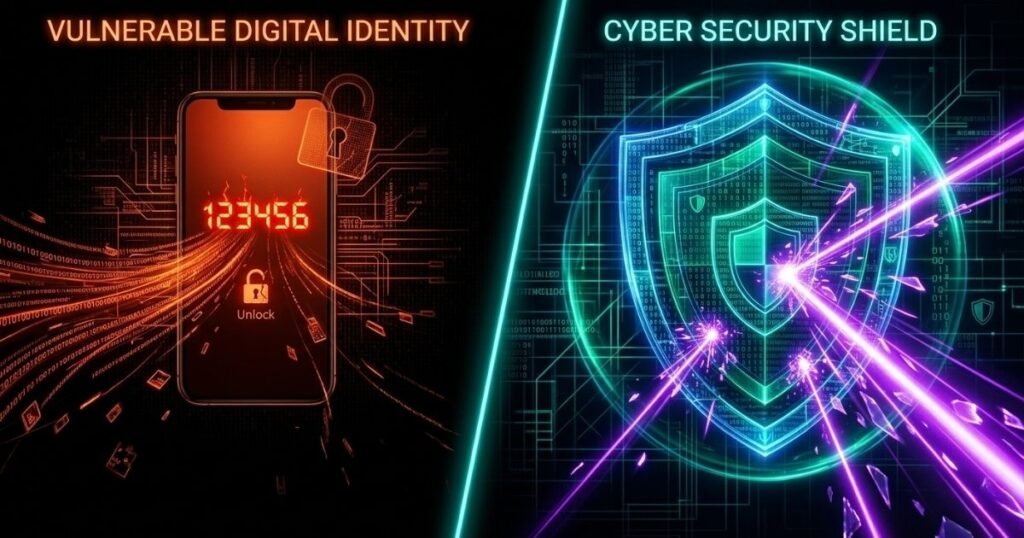
The modern internet has brought incredible convenience to our daily lives, but it has also introduced unprecedented risks to our personal data. For over a decade, I have watched individuals and major corporations fall victim to devastating cyberattacks that could have been completely prevented with better digital hygiene. The single biggest vulnerability for most people today is how they manage their digital credentials. Many people still rely on outdated habits like writing down secret codes in physical notebooks, saving them in unsecured text documents on their computers, or reusing slight variations of the same favorite phrase across dozens of different websites. While these methods might seem easy to remember, they leave your entire digital footprint completely exposed to modern hacking techniques that can crack simple credentials in a matter of seconds.
Automated hacking tools used by cybercriminals today do not guess credentials one by one like a human would. Instead, they use massive databases of previously leaked information and lightning fast software to attempt millions of credential combinations simultaneously. If you use the same password for your email account as you do for a minor shopping website, a breach at that shopping website gives attackers the golden key to your entire digital life. Once a malicious actor gains access to your primary email, they can easily reset the credentials for your bank accounts, social media profiles, and medical records. To combat this massive threat, you need a specialized utility tool known as a password manager, which acts as a highly secure digital vault that generates, stores, and organizes unique credentials for every single website you use.
Understanding the Technology

To trust a software application with your most sensitive information, you must first understand the brilliant engineering that keeps that information safe from prying eyes. A truly secure pw manager operates on a security framework known as zero knowledge architecture. This specific design principle ensures that the service provider hosting your digital vault has absolutely no way of seeing, reading, or accessing the data you choose to store. Even if a government agency or a sophisticated criminal syndicate managed to breach the servers of the application company, they would only find a useless wall of scrambled, encrypted text that is completely impossible to decipher without your unique master key.
The actual magic of this security process happens entirely on your local device before any data ever travels across the internet into the cloud. When you type information into your vault, your device uses a powerful cryptographic algorithm to lock that data using your master pass word as the encryption key. Because the service provider never receives your actual master phrase or the unencrypted version of your vault, you remain the sole custodian of your digital identity. This setup means that the ultimate responsibility for security rests on your shoulders, because if you completely forget your primary master phrase, the company cannot reset it for you, which is the exact definition of true privacy in the modern digital age.
The Built-In Browser Solutions
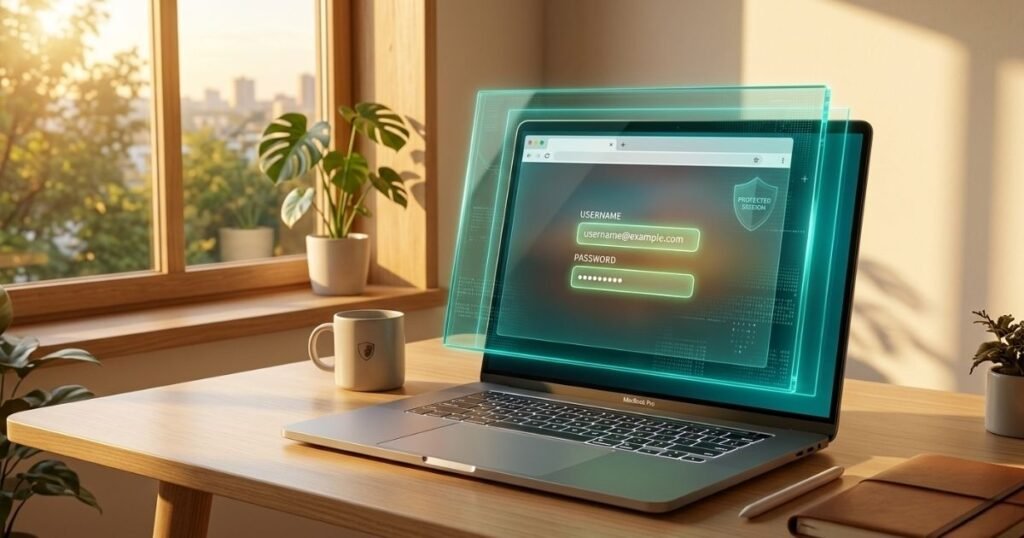
Many internet users naturally begin their journey toward better credential security by utilizing the complimentary tools that are already integrated into their favorite web browsers. The google password manager is a prime example of this type of built-in solution, and it is frequently referred to by users as the google manager password due to its prominent placement in mobile settings. The primary advantage of using a browser integrated system is the sheer convenience and seamless user experience it provides during daily web browsing. As you navigate from website to website, the browser automatically detects login fields and fills in your credentials instantly, eliminating the need to copy and paste information or switch between different application windows.
Despite this undeniable convenience, relying solely on a browser tool introduces significant security tradeoffs that you must carefully consider. When you use the google password manager, your security is fundamentally tied to the security of your overall browser account and the physical device you are using. If you accidentally leave your browser logged in on a shared computer, or if someone gains physical access to your unlocked laptop, they can easily view and use every single credential stored inside that google manager password ecosystem. Dedicated software solutions, on the other hand, operate independently from your browser and require independent authentication, providing a robust secondary layer of defense that keeps your vault isolated even if your primary browser session is compromised by an intruder.
How to Choose the Right Tool for Your Needs
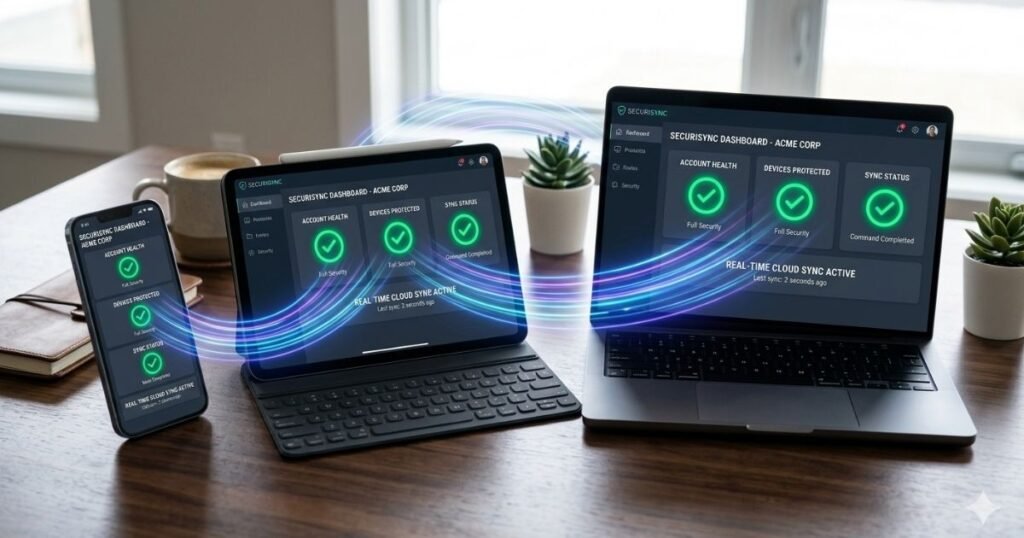
Selecting the ideal software to guard your digital life requires a methodical evaluation of several critical technical capabilities and operational features.
- The software you choose must offer comprehensive cross platform compatibility so that your credentials sync securely and instantly across your smartphone, your tablet, your personal laptop, and your work computer.
- You need to evaluate the secure sharing features of the tool to ensure you can safely pass household login details or streaming credentials to family members without exposing those secrets over unencrypted text messages.
- The application must include an integrated authentication mechanism that can generate time sensitive verification codes directly within the tool itself to streamline your secondary login processes.
- You should look for a provider that has a proven history of independent security audits conducted by reputable third party firms to verify that their software code is free from hidden vulnerabilities.
- The tool must feature an automated credential generator that allows you to customize the length and character types of new phrases so you never have to invent a new credential yourself.
By carefully measuring every potential software option against these specific operational benchmarks, you can confidently choose a tool that balances robust security with daily usability.
Best Practices for Ultimate Vault Security
Once you have selected your preferred pw manager, the overall security of your digital vault depends heavily on how you configure and maintain it. The most critical step in this process is creating your master pass word, which serves as the ultimate barrier protecting all your other accounts. Rather than choosing a short phrase filled with complex symbols that is incredibly difficult to remember, you should create a long passphrase consisting of several completely unrelated words joined together. Cybercriminals use sophisticated dictionary attacks to guess common phrases, but a string of four or five random words creates a massive mathematical combination that modern supercomputers would require billions of years to crack.
In addition to crafting a powerful master passphrase, you must immediately enable multi factor authentication on your vault account to provide a vital secondary line of defense. This security measure ensures that even if an attacker somehow discovers your master phrase, they still cannot open your vault without a secondary verification code sent to your physical authenticator device. Finally, you must make a habit of performing regular security audits using the built in analytical tools provided by your software. These automated audits scan your entire vault to identify weak credentials, reused phrases, or accounts that have been exposed in recent public data breaches, giving you the precise insights needed to update compromised accounts before hackers can exploit them.
The Evolution of Passwords
As we look toward the future of digital identity and privacy protection, the landscape of security is undergoing a massive paradigm shift. While learning how to safely navigate a password manager remains an absolutely essential skill for the present day, the technology industry is actively moving toward a completely passwordless future. This new era of security relies on a revolutionary technology called passkeys, which completely eliminates the need for users to create, memorize, or type traditional text phrases. Passkeys utilize advanced public key cryptography to establish a secure relationship between a specific website and your physical hardware device, making them completely immune to traditional phishing scams.
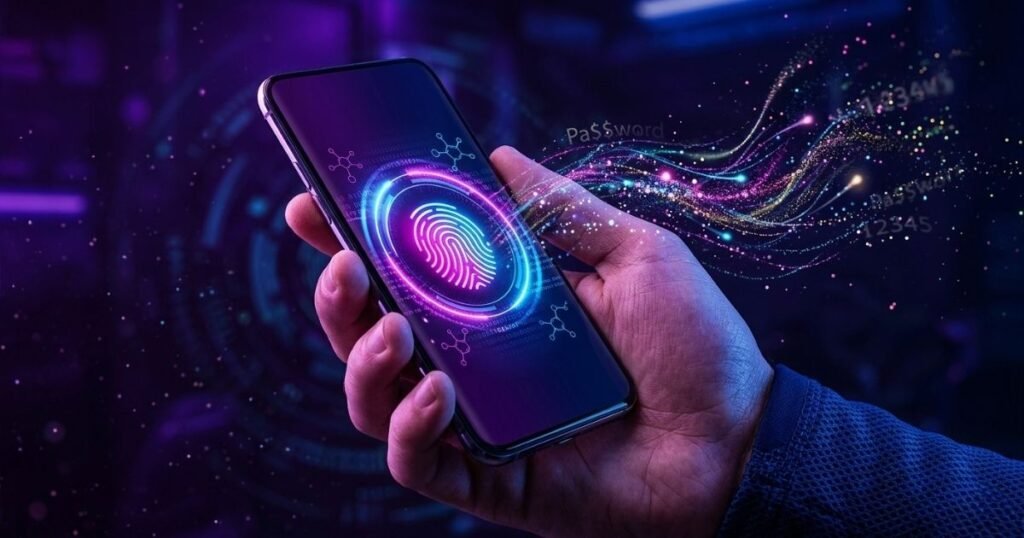
Modern vault applications are rapidly evolving to adapt to this new digital landscape by transforming into comprehensive identity managers rather than simple text repositories. These advanced tools are now fully equipped to securely store both your traditional credentials and your modern biometric tokens side by side. By using your fingerprint or facial recognition software on your smartphone, you can instantly authenticate your identity and access your accounts across the entire internet without ever exposing a single piece of text to potential interceptors. Embracing these evolving tools ensures that your personal information remains completely secure against the sophisticated cyber threats of today and the advanced digital challenges of tomorrow.

Hi, I am Priyanka Roy, an SEO Specialist and Content Writer at Sandhu Marketing Agency Inc.. For the past 4 years, I have been helping businesses improve their websites and grow their organic traffic through practical and effective SEO strategies.
I enjoy working on different SEO tools and exploring how they actually perform in real situations. Over time, I have tested many tools, faced real challenges, and learned what works and what does not. This is exactly what I share on Savenjoy. My goal is to help you understand what to expect from a tool before you spend your money on it.
Instead of just listing features, I focus on real experiences, honest insights, and simple explanations so you can make better decisions with confidence. All I want is to make your journey easier and smarter.
I love trying new digital tools even when I do not need them, just to see if they are worth it or not.