⚠️ Affiliate Disclosure: We earn a commission on purchases made via our links — at no extra cost to you.

Top 5 Free AI Tools for Content Creation and Video Workflow in 2026
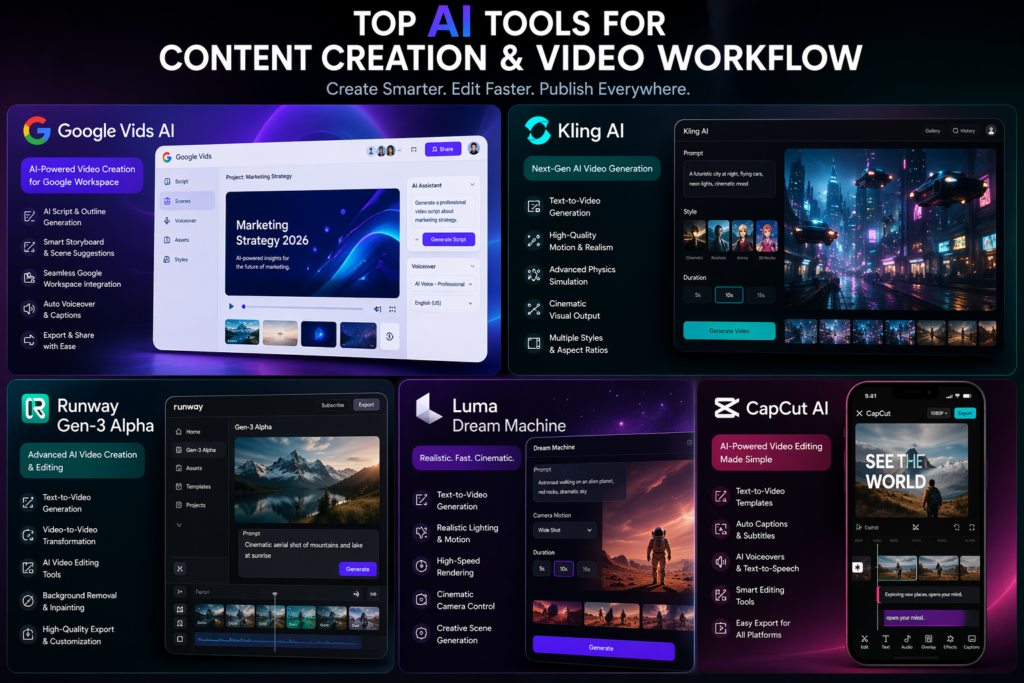
Creating high-quality content in 2026 is no longer just about creativity, it’s about speed, efficiency, and smart workflows. Whether you’re a blogger, YouTuber, or digital marketer, the biggest challenge today is not ideas… it’s execution. Writing scripts, generating visuals, editing videos, and optimizing content can easily take hours or even days.
This is exactly where AI video tools and AI content creation tools are transforming the game.
But here’s something most beginners misunderstand: Not all AI tools directly create videos.
Some tools help with ideation, scripting, visual generation, or editing and together, they form a powerful AI-driven video workflow.
In this guide, I’ll walk you through the best AI tools for creators in 2026 that I’ve personally explored and tested. These tools can help you go from idea → script → visuals → final video much faster than traditional methods.
Why AI Tools Matter for Modern Creators
Before diving into the tools, let’s understand something practical. When you create a YouTube video or blog-based video content, your workflow looks like this:
- Idea generation
- Script writing
- Visual creation
- Video editing
- Publishing
No single AI tool does everything perfectly. That’s why smart creators use a combination of AI tools for YouTube and content creation.
1. Google Vids AI
What is Google Vids AI?
Google Vids AI is part of Google’s growing AI ecosystem, designed to help users create video presentations and structured content using AI assistance. It’s not a full cinematic video generator like some others on this list, but it plays a crucial role in planning, scripting, and structuring video content.
From my experience, this tool feels like a smarter version of Google Slides mixed with AI storytelling.
Key Features
- AI-assisted script generation
- Smart storyboard creation
- Integration with Google Workspace
- Voiceover suggestions
- Auto-formatting for presentations
How It Works
- Open Google Vids inside your workspace
- Enter your topic. For an example “Top 5 SEO Tips”
- AI generates a structured outline
- Customize slides and script
- Export or convert into video format
Pros and Cons
Pros
- Beginner-friendly
- Great for structured storytelling
- Works seamlessly with Google tools
Cons
- Not a full AI video generator
- Limited cinematic visuals
Best For
- Bloggers
- Educators
- YouTubers planning content
2. Kling AI
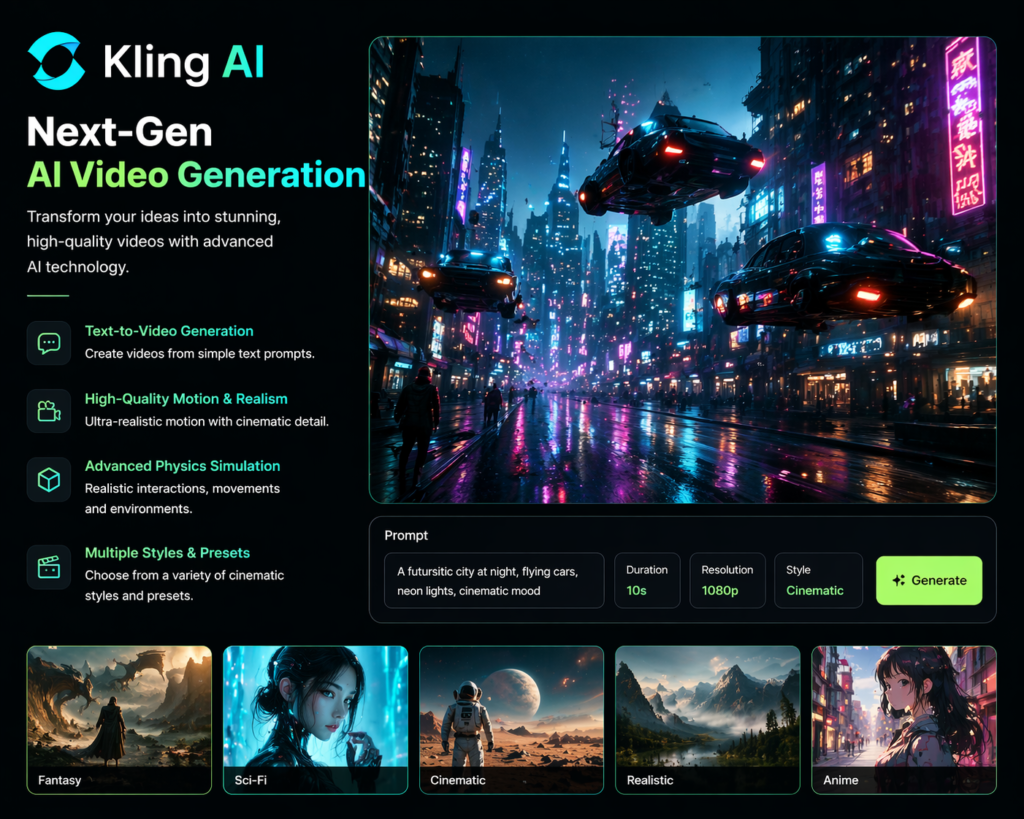
What is Kling AI?
Kling AI is one of the most exciting AI video tools emerging in 2026. It focuses on generating realistic videos from text prompts, similar to how image AI tools work but at a much more advanced level.
When I tested Kling AI, what stood out was its ability to generate motion that actually feels natural, not robotic.
Key Features
- Text-to-video generation
- High-quality motion realism
- Advanced physics simulation
- Cinematic output
How It Works
- Enter a text prompt. For e.g., “A woman walking in a futuristic city”
- Choose style and duration
- AI generates video scenes
- Download or refine output
Pros and Cons
Pros
- Highly realistic visuals
- Strong cinematic quality
- Great for storytelling
Cons
- Still evolving
- Limited control in some cases
Best For
- Filmmakers
- Storytelling creators
- Advanced YouTubers
3. Runway Gen-3 Alpha
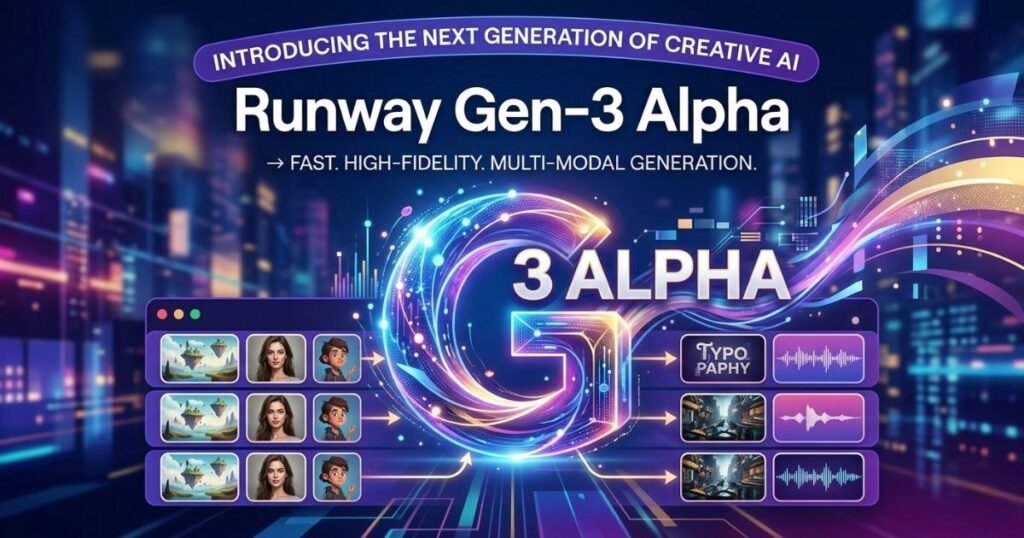
What is Runway Gen-3 Alpha?
Runway is already a known name in AI video editing, and Gen-3 Alpha takes it to another level. This tool is one of the most powerful AI tools for YouTube creators who want full control over visuals.
It’s not just about generating videos. It’s about editing, enhancing, and transforming them.
Key Features
- Text-to-video generation
- Video-to-video transformation
- Background removal
- AI editing tools
How It Works
- Upload video or input prompt
- Select AI generation mode
- Apply styles or edits
- Export high-quality video
Pros and Cons
Pros
- Professional-level output
- Versatile editing tools
- Great creative control
Cons
- Slight learning curve
- Premium features can be costly
Best For
- Professional creators
- Video editors
- Marketing teams
4. Luma Dream Machine
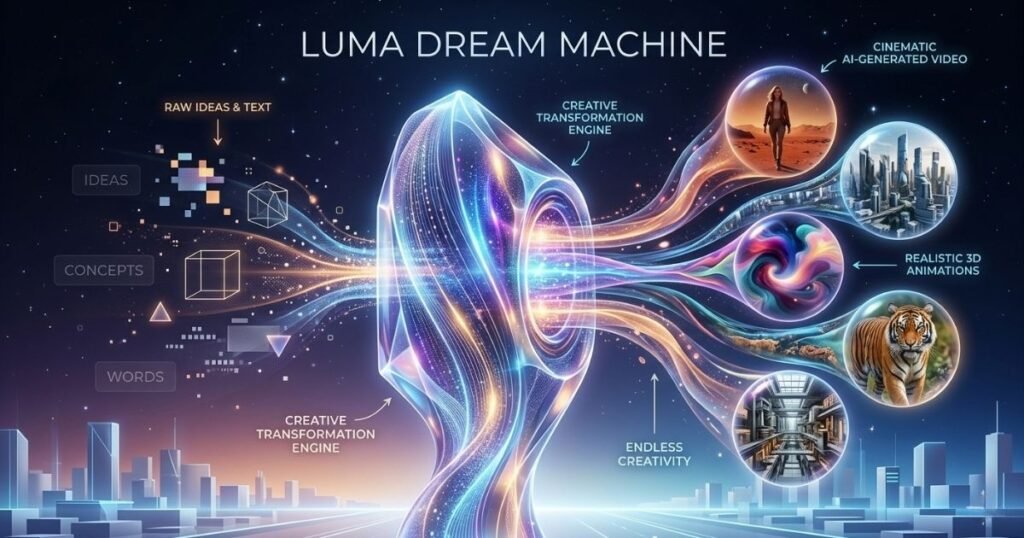
What is the Luma Dream Machine?
Luma Dream Machine is one of the most advanced AI video tools focused on generating realistic 3D-like video scenes from text prompts.
In my experience, this tool is perfect for creators who want something visually unique, almost like a cinematic AI experience.
Key Features
- High-quality video generation
- Realistic lighting and motion
- Fast rendering
- Creative scene generation
How It Works
- Enter a detailed prompt
- AI generates video scenes
- Adjust style and pacing
- Export output
Pros and Cons
Pros
- Stunning visuals
- Fast generation
- Creative flexibility
Cons
- Limited editing tools
- Prompt quality matters a lot
Best For
- Creative storytellers
- Visual artists
- Content creators
5. CapCut AI
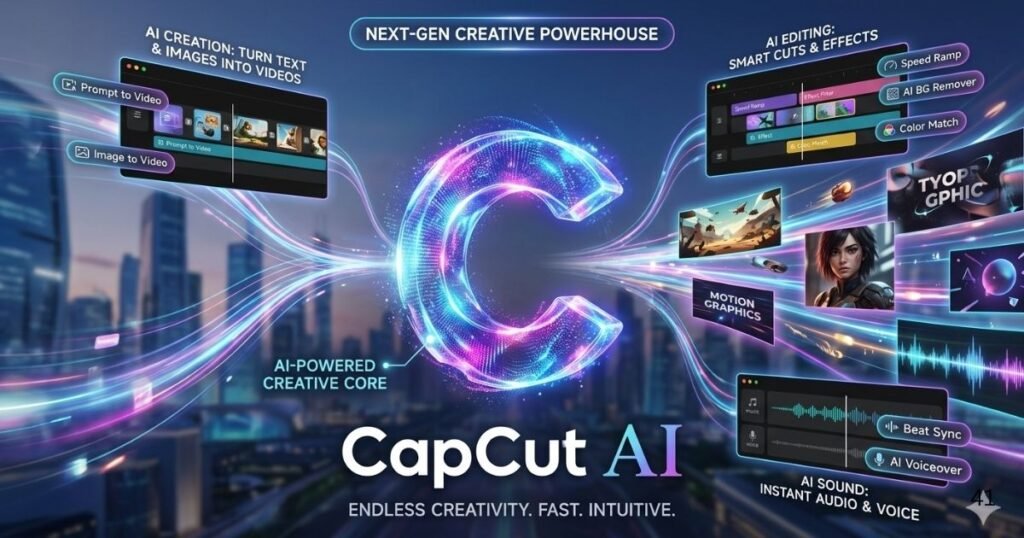
What is CapCut AI?
CapCut AI is one of the most accessible AI content creation tools available today. While it’s not purely a text-to-video generator, its AI features make video creation extremely easy especially for beginners.
From my testing, this is one of the best starting points for anyone entering the world of AI tools for YouTube.
Key Features
- Text-to-video templates
- Auto captions
- AI voiceovers
- Smart editing tools
How It Works
- Open CapCut
- Choose text-to-video template
- Enter script
- AI generates video with visuals
- Edit and export
Pros and Cons
Pros
- Very beginner-friendly
- Fast editing workflow
- Free features available
Cons
- Limited customization
- Template-based output
Best For
- Beginners
- Short-form creators
- Social media users
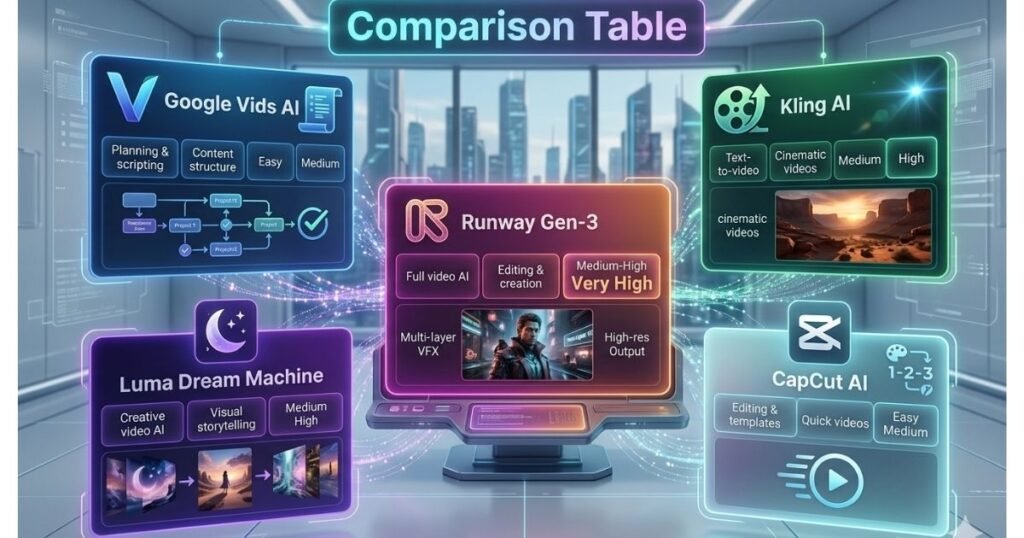
How AI Tools Help in Video Creation
This is where most creators get confused and honestly, I used to as well.
Not every tool needs to generate videos to be useful. Some tools play a critical supporting role in your workflow.
For example:
- Google Vids AI helps you structure your ideas
- CapCut AI helps you edit and finalize
- Runway enhances and transforms visuals
Think of it like a production team:
- One writes the script
- One shoots
- One edits
AI tools simply replace each role with automation.
This approach is what separates beginners from professional creators using the best AI tools for creators.
Real-World Use Cases
Blogging + YouTube Combo
You can write a blog → convert it into script → use CapCut → publish video.
Faceless YouTube Channels
Use Kling AI or Luma Dream Machine for visuals + AI voiceover tools.
Marketing Content
Create ads, reels, and explainer videos using Runway and CapCut.
Final Verdict: Which Tool Should You Choose?
Here’s my honest recommendation based on real usage:
- Beginners: Start with CapCut AI
- Bloggers & planners: Use Google Vids AI
- Advanced creators: Use Runway Gen-3
- Creative storytelling: Try Luma Dream Machine
- Cinematic AI videos: Explore Kling AI
The smartest strategy is not choosing one tool, but building a workflow using multiple tools.
Conclusion
AI is not here to replace creators. It’s here to amplify them. If you use these tools correctly, you can create content faster, test ideas quickly, and scale your output without burnout. The key is to understand that AI tools for YouTube and content creation work best when combined into a smart workflow. Start simple. Experiment. Improve. And most importantly don’t wait for perfection. AI rewards those who create consistently.
FAQs
What is an AI video generator?
An AI video generator is a tool that creates videos automatically using text prompts, images, or scripts. These tools use machine learning to generate visuals, motion, and sometimes voiceovers.
Can AI tools create YouTube videos?
Yes, many AI tools can help create YouTube videos. Some generate visuals, while others assist with scripting, editing, and publishing.
Which AI tool is best for beginners?
CapCut AI is one of the easiest tools for beginners due to its simple interface and ready-to-use templates.
Are AI-generated videos good for monetization?
Yes, as long as the content is original, valuable, and follows platform guidelines, AI-generated videos can be monetized.
Do I need technical skills to use AI tools?
No, most modern AI content creation tools are designed for beginners. However, learning basic workflows will improve results significantly.

Hi, I am Priyanka Roy, an SEO Specialist and Content Writer at Sandhu Marketing Agency Inc.. For the past 4 years, I have been helping businesses improve their websites and grow their organic traffic through practical and effective SEO strategies.
I enjoy working on different SEO tools and exploring how they actually perform in real situations. Over time, I have tested many tools, faced real challenges, and learned what works and what does not. This is exactly what I share on Savenjoy. My goal is to help you understand what to expect from a tool before you spend your money on it.
Instead of just listing features, I focus on real experiences, honest insights, and simple explanations so you can make better decisions with confidence. All I want is to make your journey easier and smarter.
I love trying new digital tools even when I do not need them, just to see if they are worth it or not.